When the TAB plugin does not behave, the cause is usually one of a few things: a YAML spacing mistake, a group name that does not match, a placeholder that never resolves, or another plugin touching the same feature. This guide shows how to read the console, test values with built-in commands and fix each problem quickly.
Config file errors
Broken YAML syntax
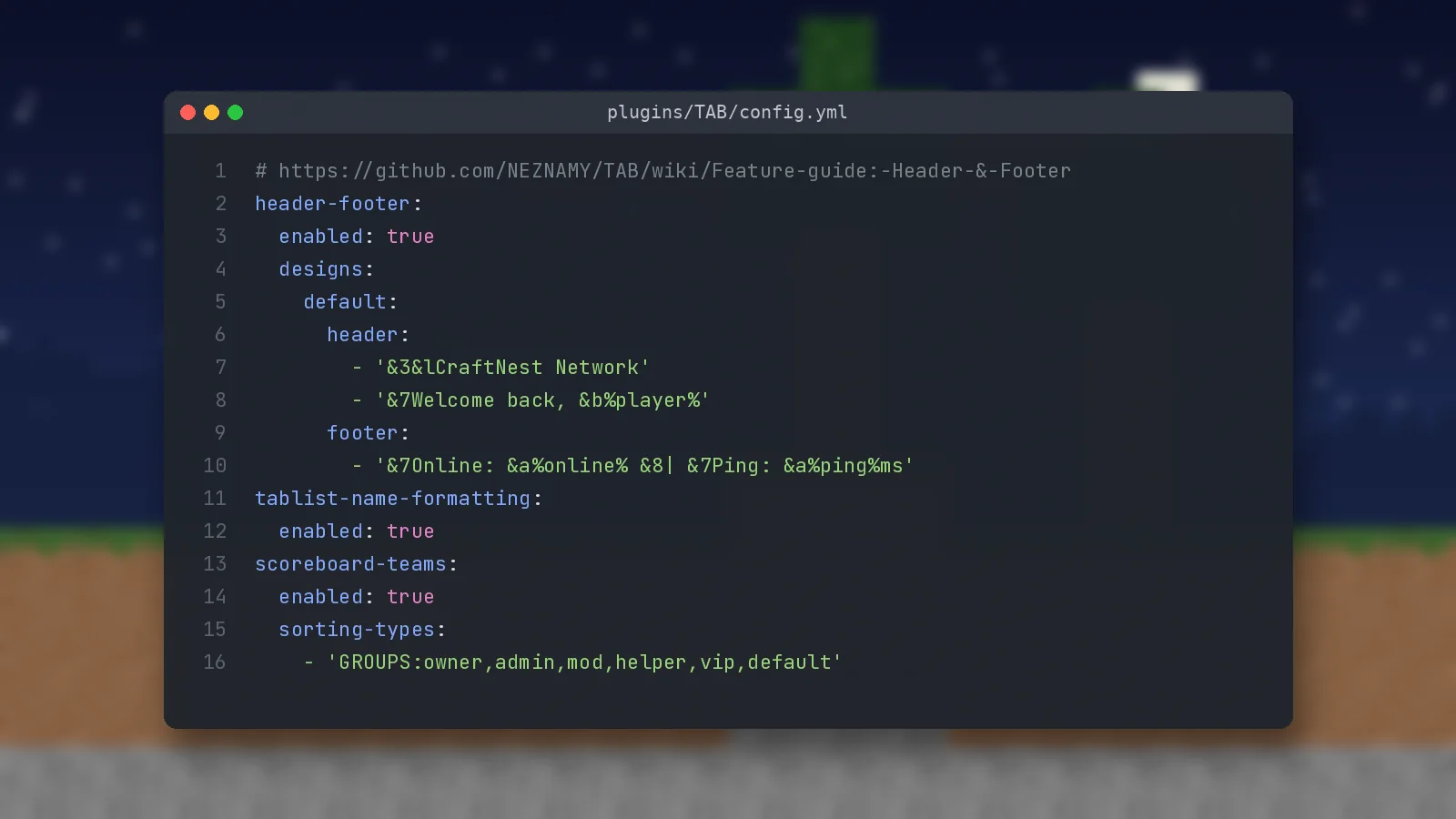
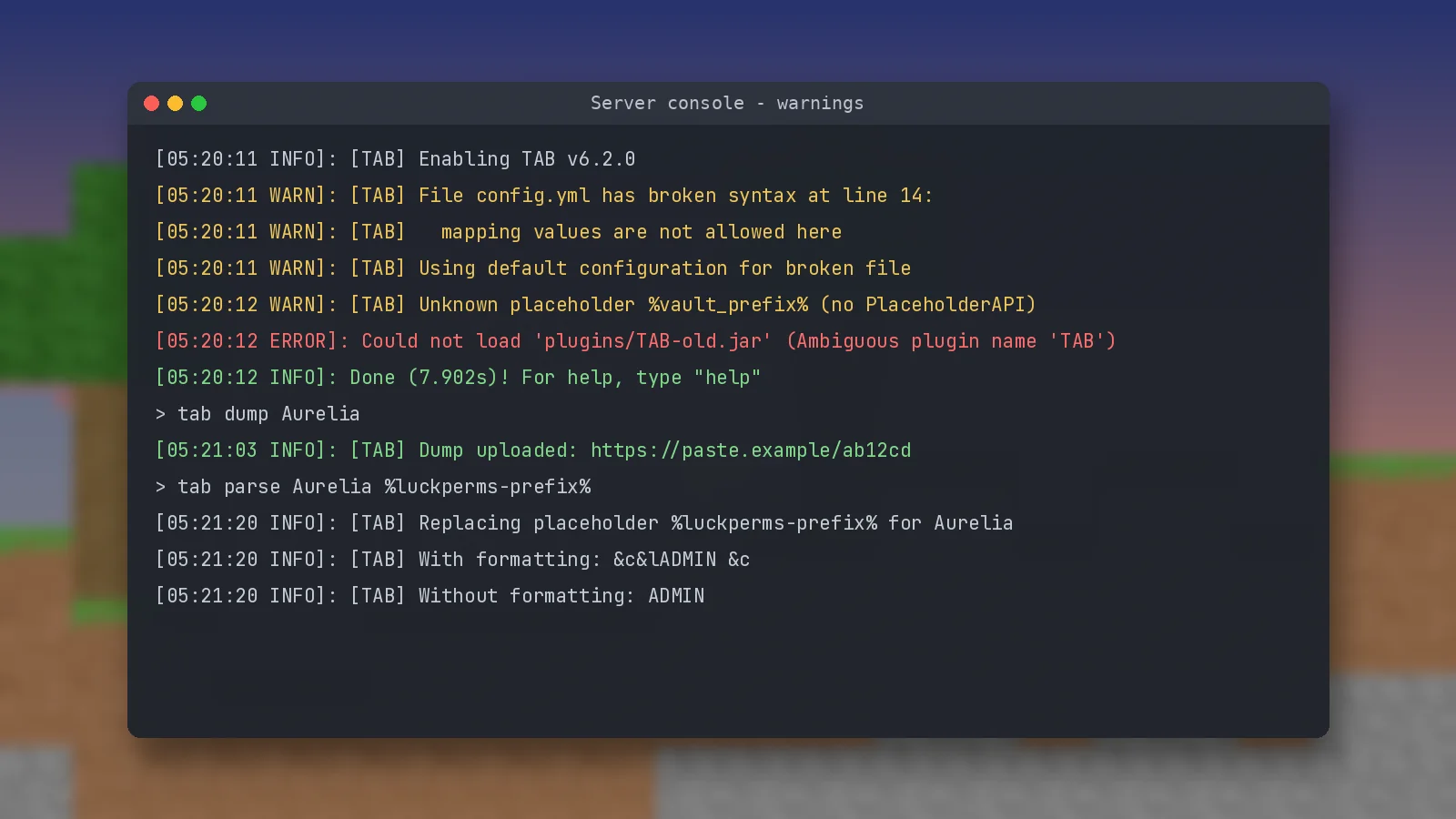
If the console says a file has broken syntax, TAB loads default values for that file and reports the line. The usual causes are tab characters instead of spaces, wrong indentation and unquoted text that starts with & or %. Wrap such values in single quotes.
Changes do not apply
Run /tab reload after saving. On a proxy, use /btab reload. If you edited the file while the server was off, make sure you uploaded it to the correct server.
Prefix and group problems
Prefixes not showing
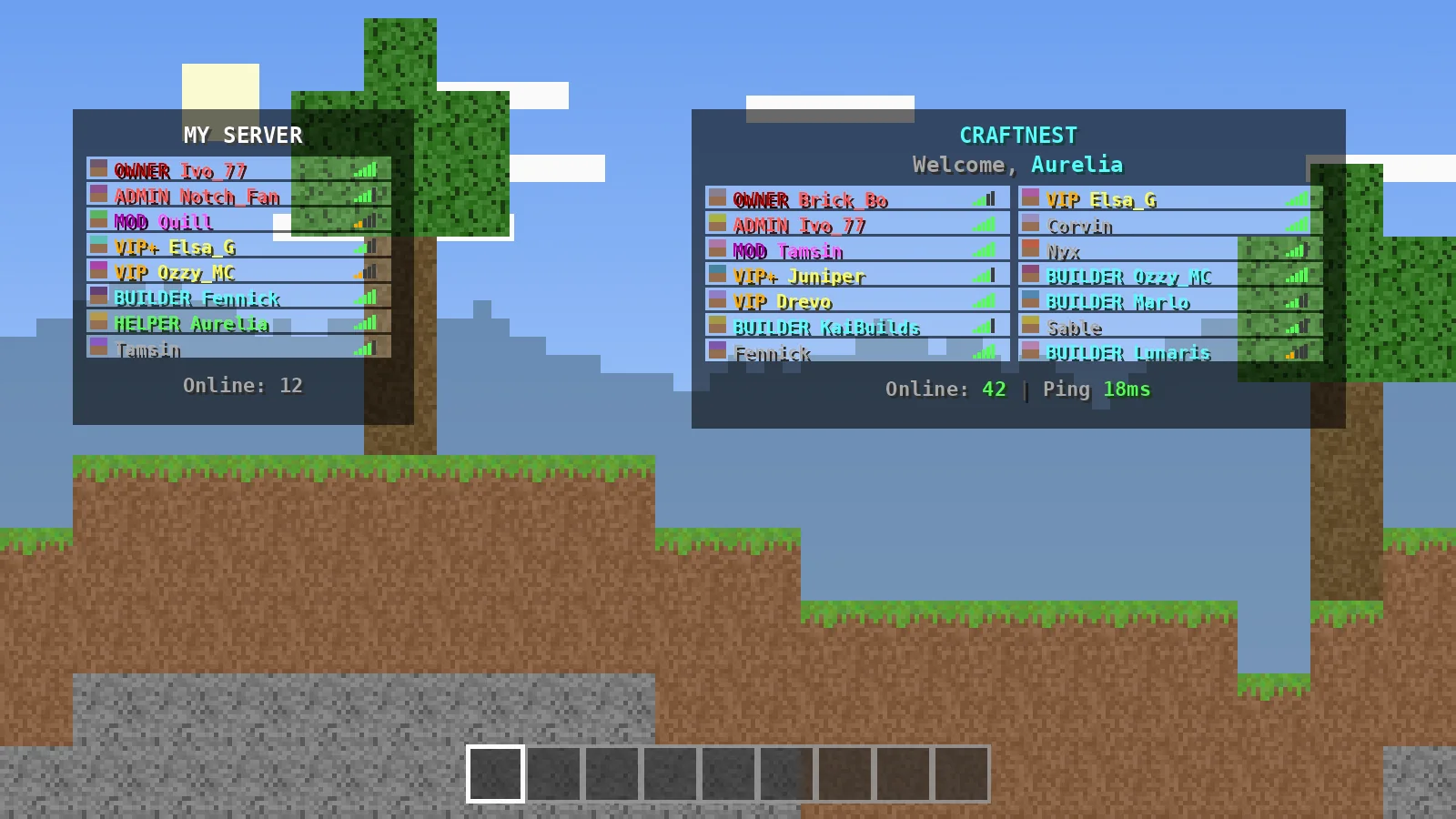
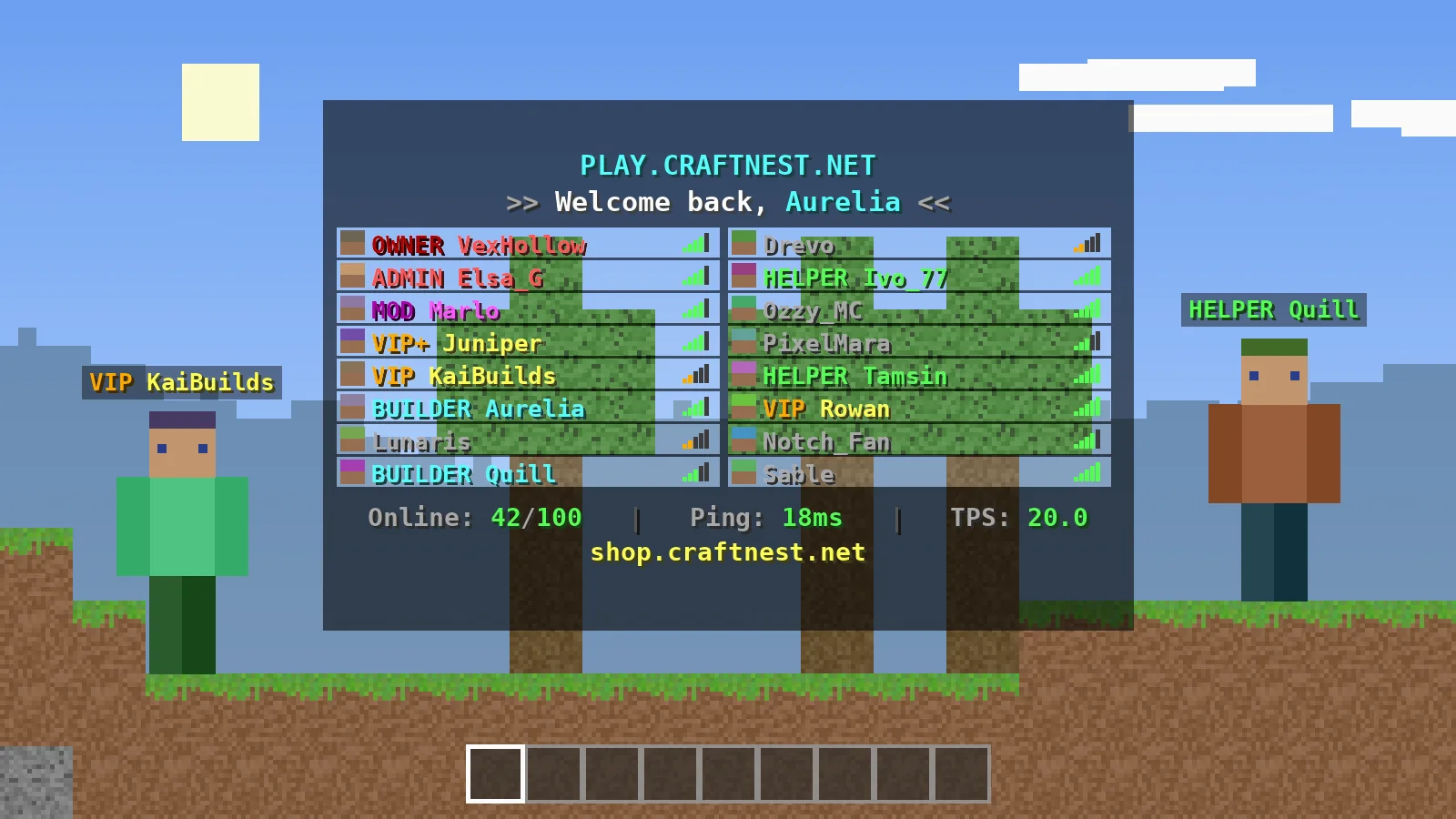
Test the value directly with /tab parse <player> %luckperms-prefix%. An empty result means the prefix is not set in LuckPerms. If the value is correct but the tablist is plain, check that tablist-name-formatting is enabled.
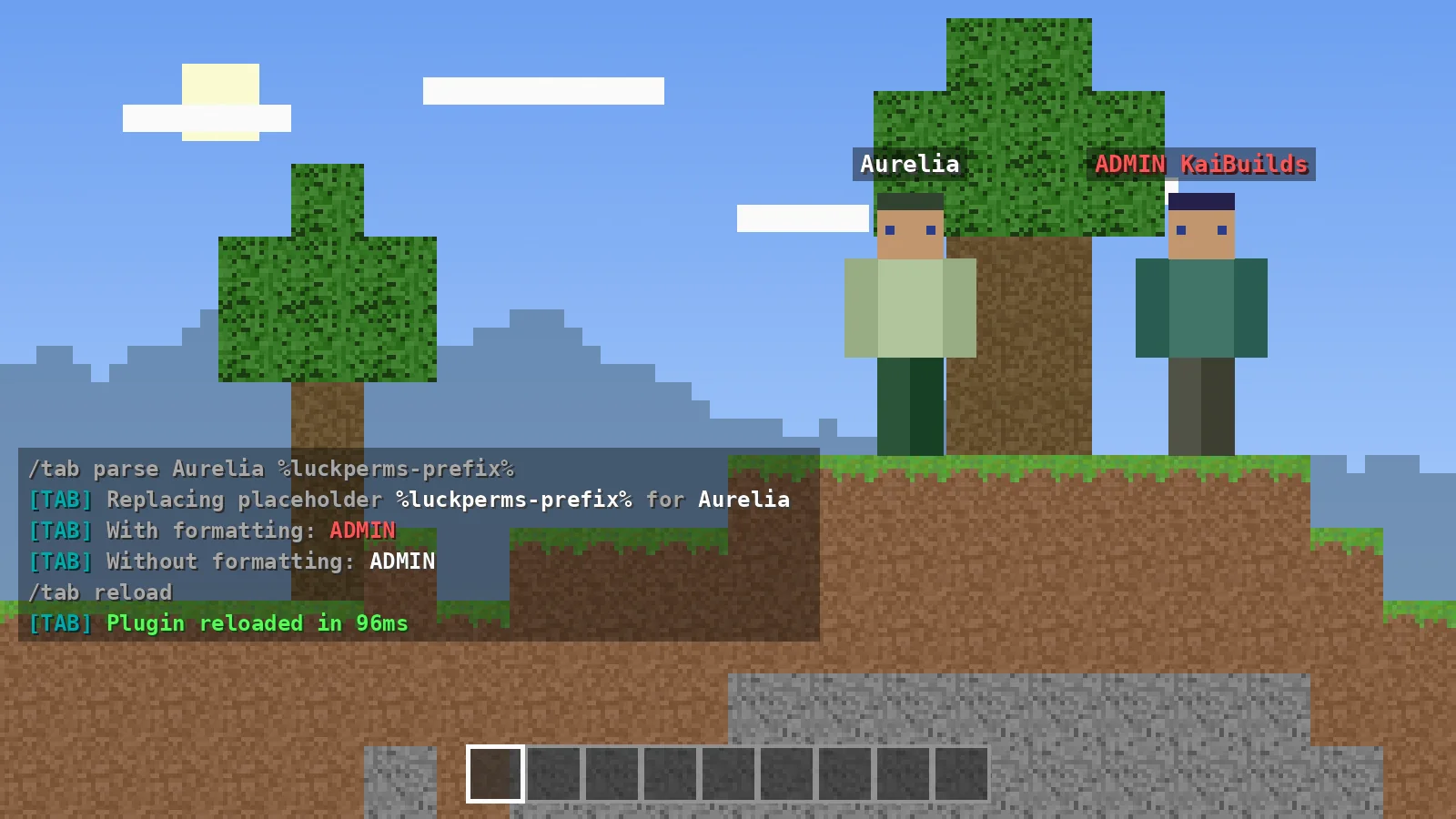
Wrong group or wrong order
/tab dump <player> uploads a full report of the player's detected group and properties. Compare the group name with your sorting list; a single capital letter difference breaks sorting.
Plugin conflicts
Two plugins, one feature
Nametag plugins, other tablist plugins and some scoreboard plugins all use the same scoreboard teams or packets. Keep one plugin in charge of each feature and disable the duplicate.
Duplicate TAB jars
An error about an ambiguous plugin name means two TAB jars sit in the plugins folder. Delete the old one and restart.
Placeholder issues
Placeholder shows as raw text
PlaceholderAPI placeholders need PlaceholderAPI plus the matching expansion. On a proxy, install TAB-Bridge on backend servers so the proxy can read them.
High CPU from placeholders
Run /tab cpu to see which features and placeholders cost the most, then raise their refresh interval in config.yml.
Version and network issues
Not loading after a Minecraft update
Always run a TAB build that lists support for your server version. Release 6.2.0 added 26.3 support and removed 1.19.1 to 1.19.3. Check the download section for the latest build.
Scoreboard features missing on Velocity
Install VelocityScoreboardAPI on the proxy. Our network guide covers the full setup.
Before asking for help
Collect the right information
Note your server software and version, TAB version and the full console error. A /tab dump link answers most questions at once.
Where to look next
The official wiki on GitHub documents every feature and its limitations. Our FAQ covers quick questions.
Ready to try it?
Download TAB 6.2.0 from the official GitHub release. Free, 8.09 MB.

We run test servers on Paper, Folia and Velocity and update these guides whenever TAB changes. Spotted something out of date? Let us know.