Header and footer designs
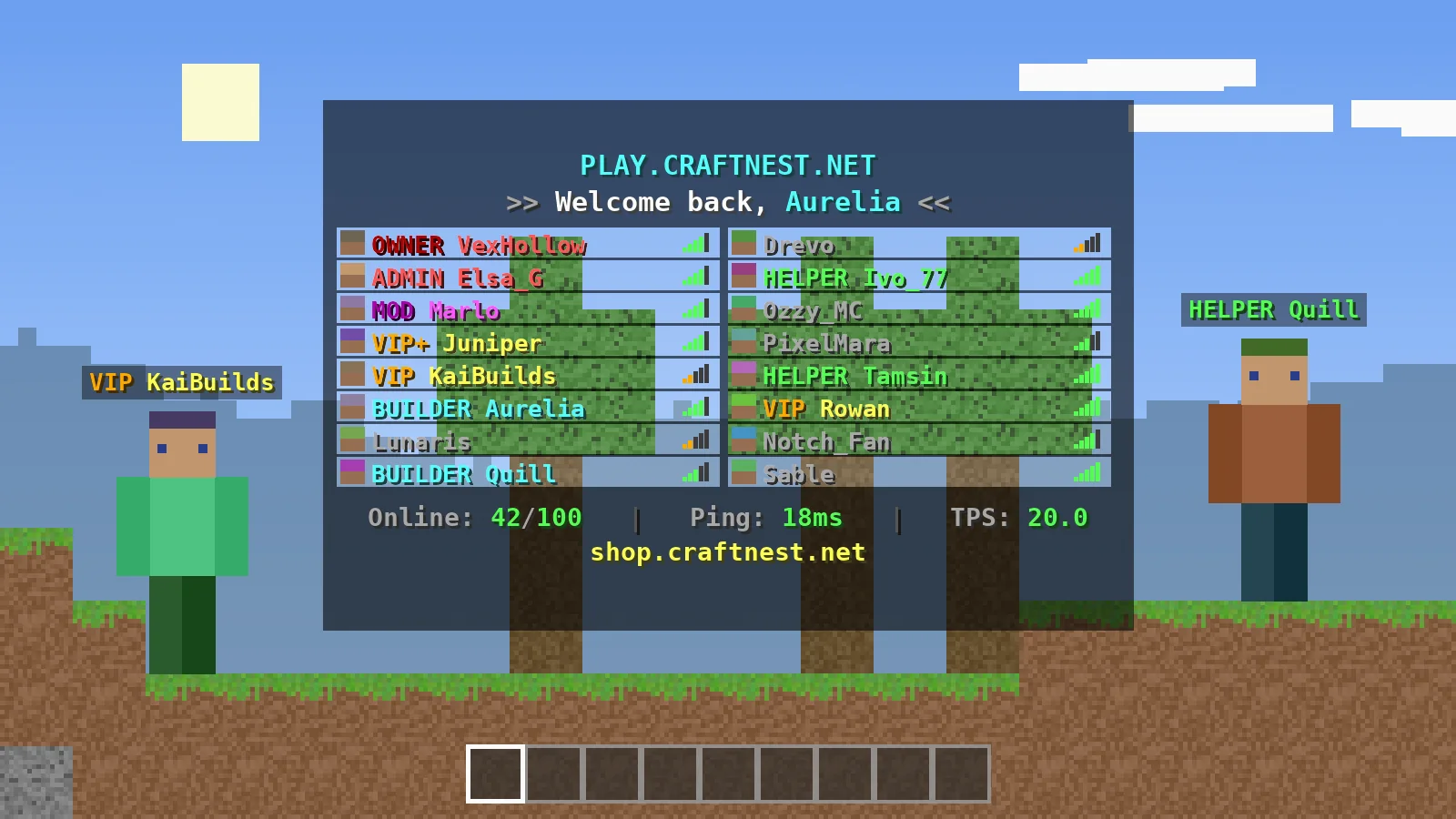
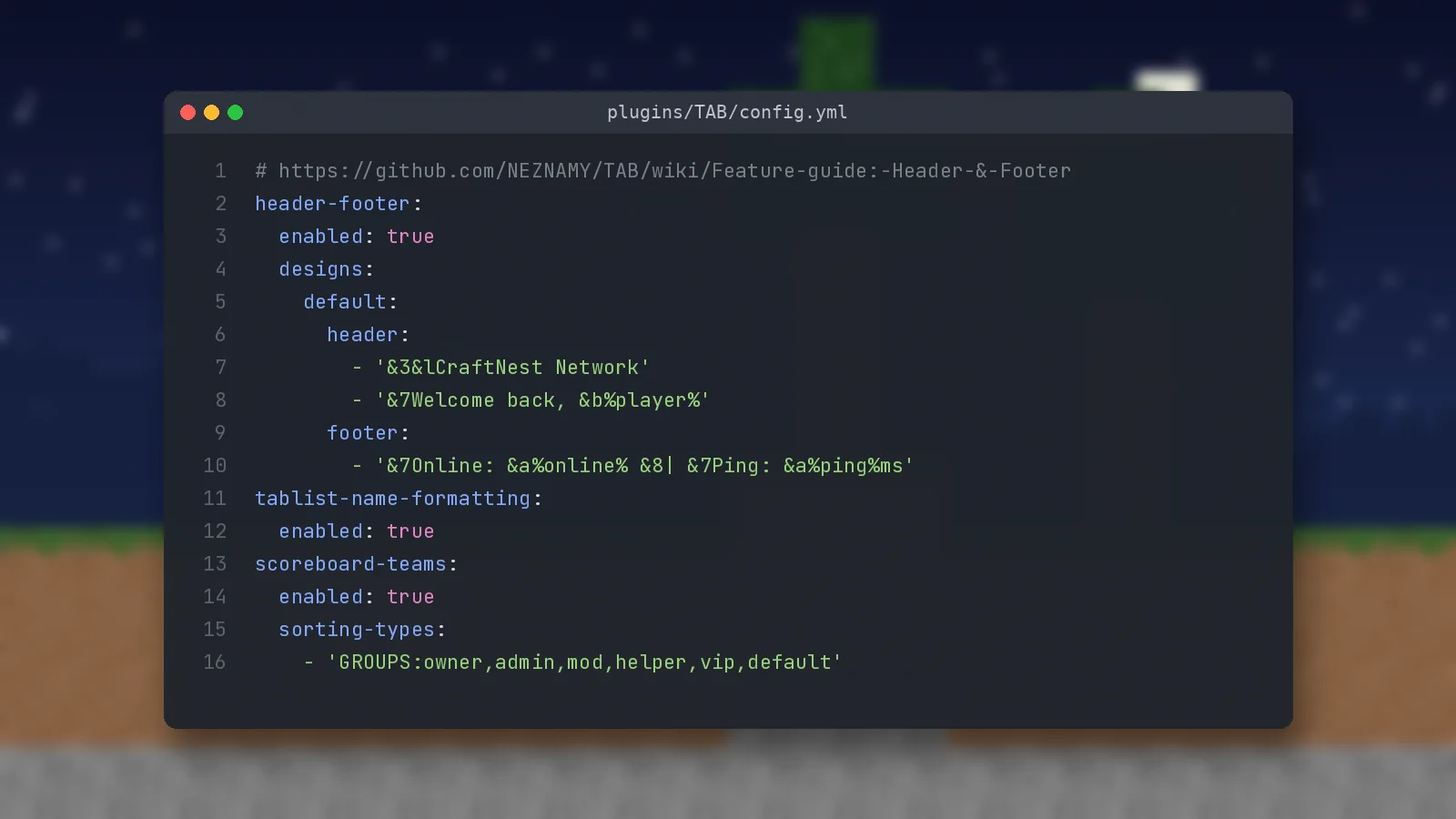
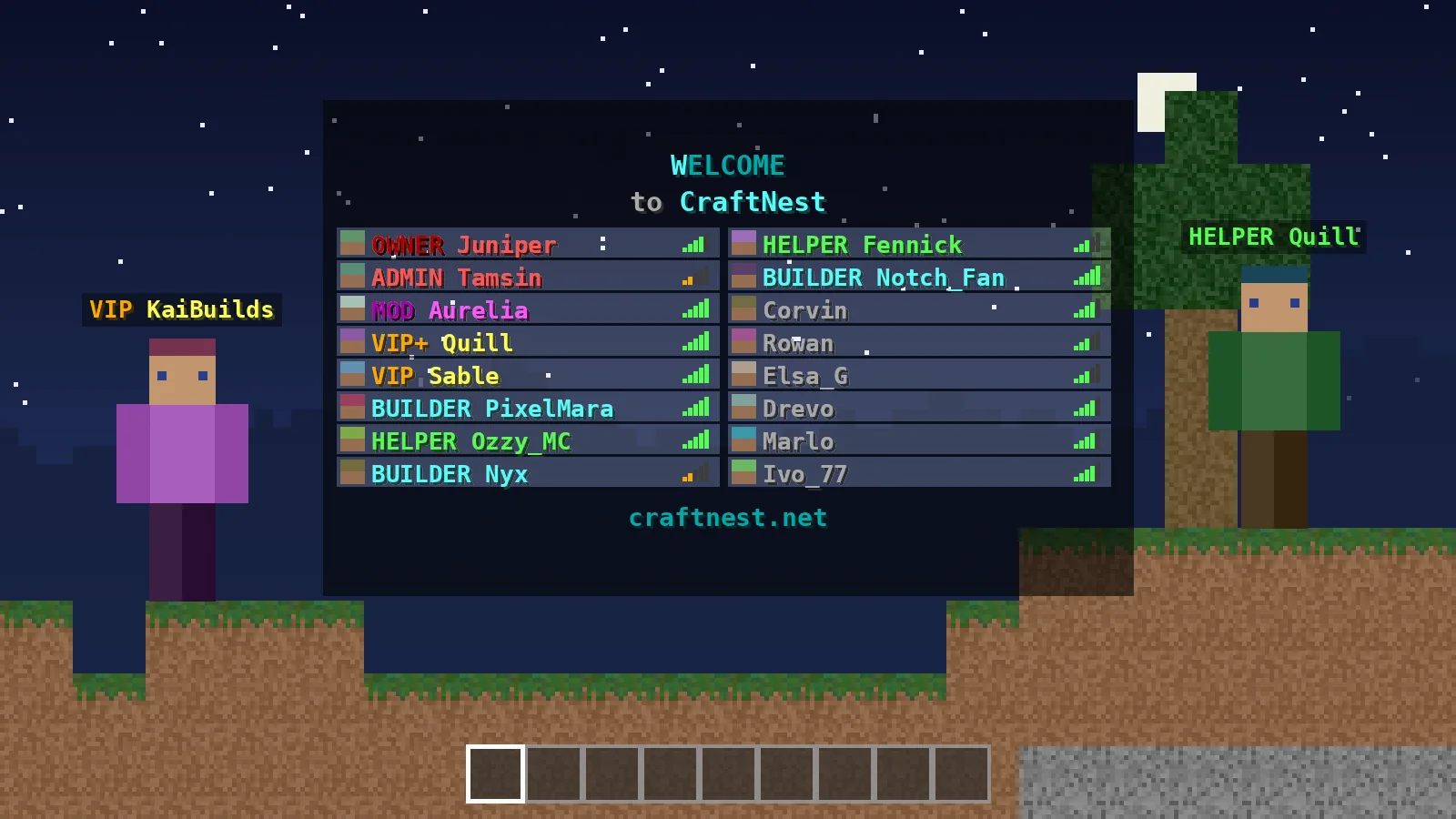
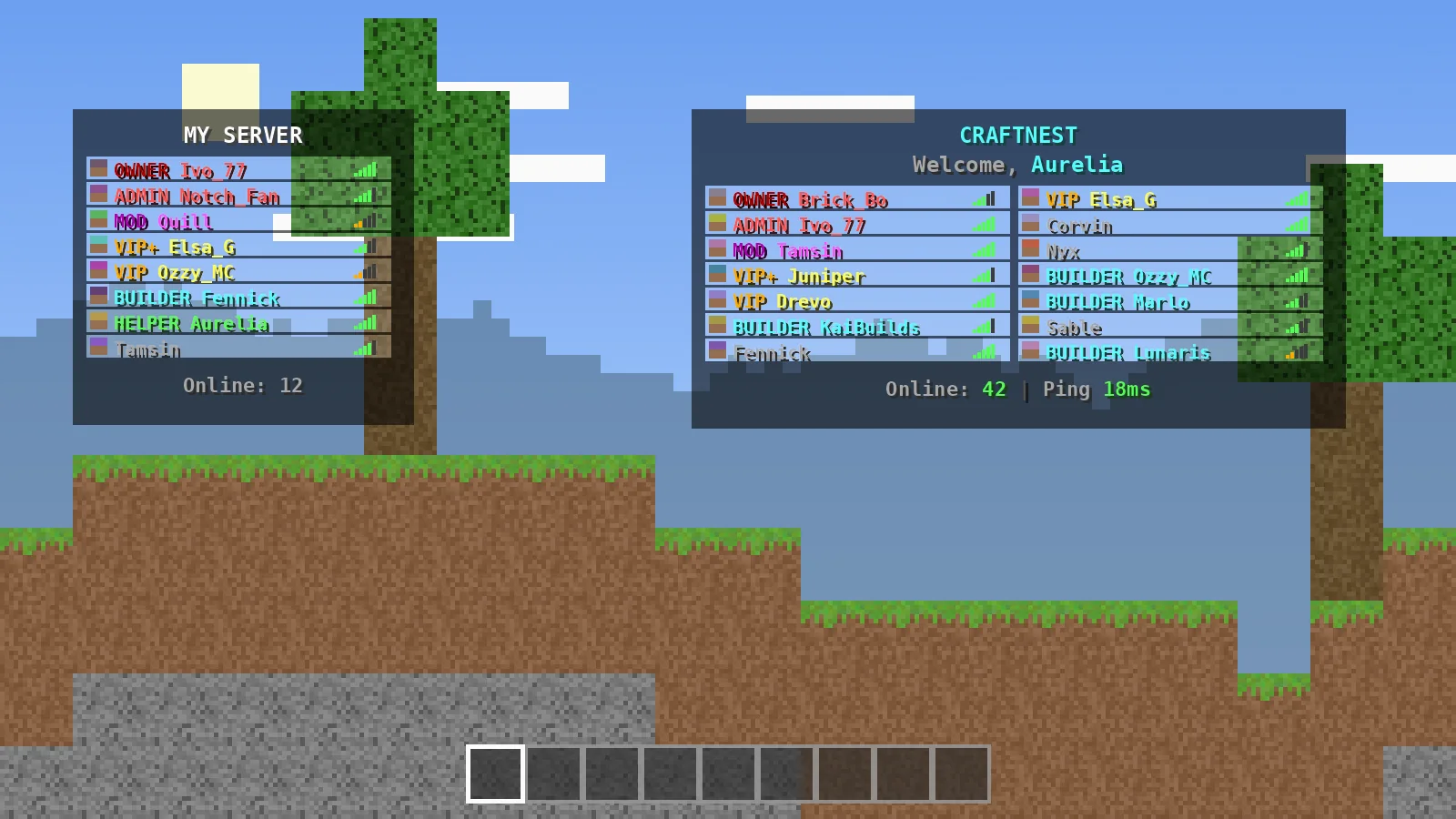
Write a branded header and footer with colours, RGB gradients and live placeholders, then show different designs per world or server using simple conditions.
TAB Plugin is an all-in-one Minecraft server modification designed to customize and enhance the player list menu. It offers flexible display options, formatting features, layouts, and server presentation tools.
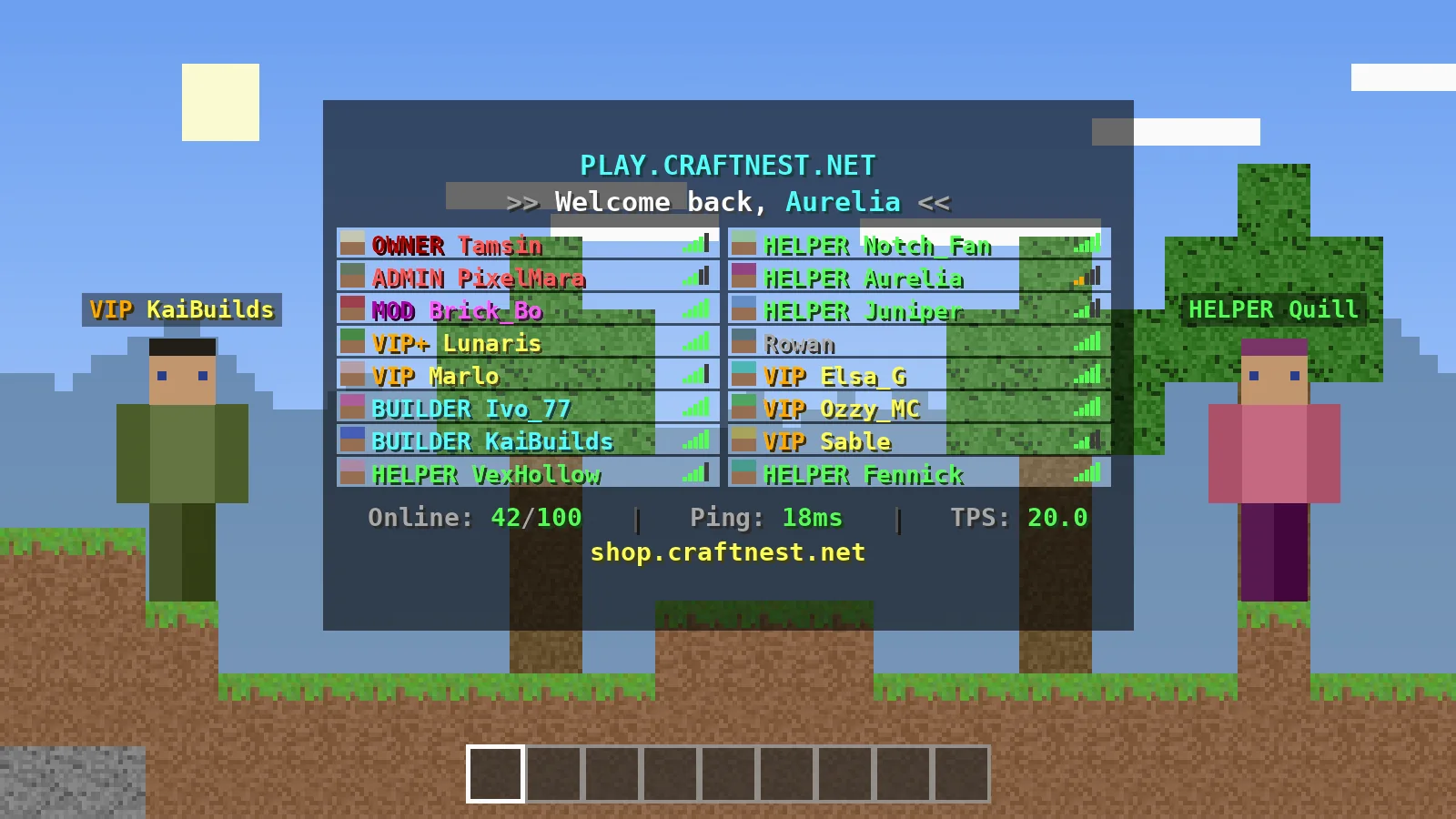
TAB is a free, open-source Minecraft server plugin that controls almost everything players see about each other: the tablist header and footer, the names in the player list, the nametags above heads, player sorting, the sidebar scoreboard, bossbars and a few extras such as ping spoofing and a structured tablist layout. Its developer, NEZNAMY, describes it as an all-in-one display plugin built to beat similar plugins on features, performance and compatibility.
TAB started as a small tablist plugin and grew into a full display suite as server owners asked for nametags, scoreboards and network support in the same place. Along the way it gained proxy installation for BungeeCord and Velocity, Folia support, modded platforms and an automatic config converter, so existing setups survive every update. Development is continuous, with regular full releases and development builds on GitHub.
The goal is simple: replace a pile of single-purpose plugins with one well-tested jar. It suits survival and SMP owners who want visible ranks, network admins who need one tablist across many servers, minigame servers that switch scoreboards per world, and developers who want an API rather than writing packet code themselves.
Older tablist and nametag plugins often broke on new Minecraft versions or fought each other over the same scoreboard teams. TAB was built to own every display feature in one place, so there is nothing left to conflict with, and to support old and new client versions from a single jar.
"For most servers, TAB is the right default. It removes plugin conflicts around nametags and sorting, and proxy installation solves the header reset on server switch that frustrates so many networks. Expect to spend an evening learning the config, then very little time maintaining it."
TabPlugin Editorial Team, after testing on Paper 26.3 and VelocityEvery feature can be switched on or off on its own, so you only run what your server needs.
Write a branded header and footer with colours, RGB gradients and live placeholders, then show different designs per world or server using simple conditions.
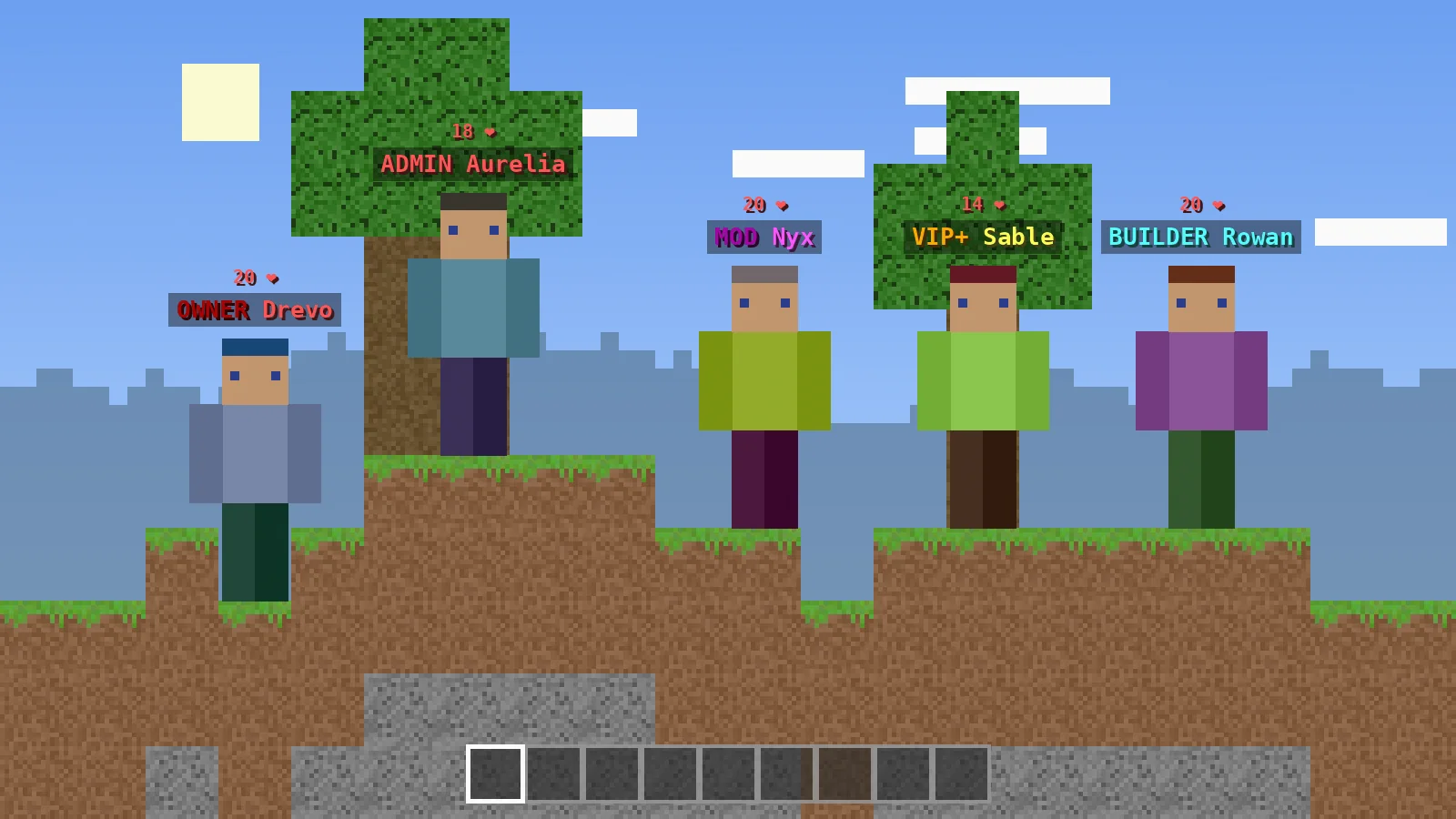
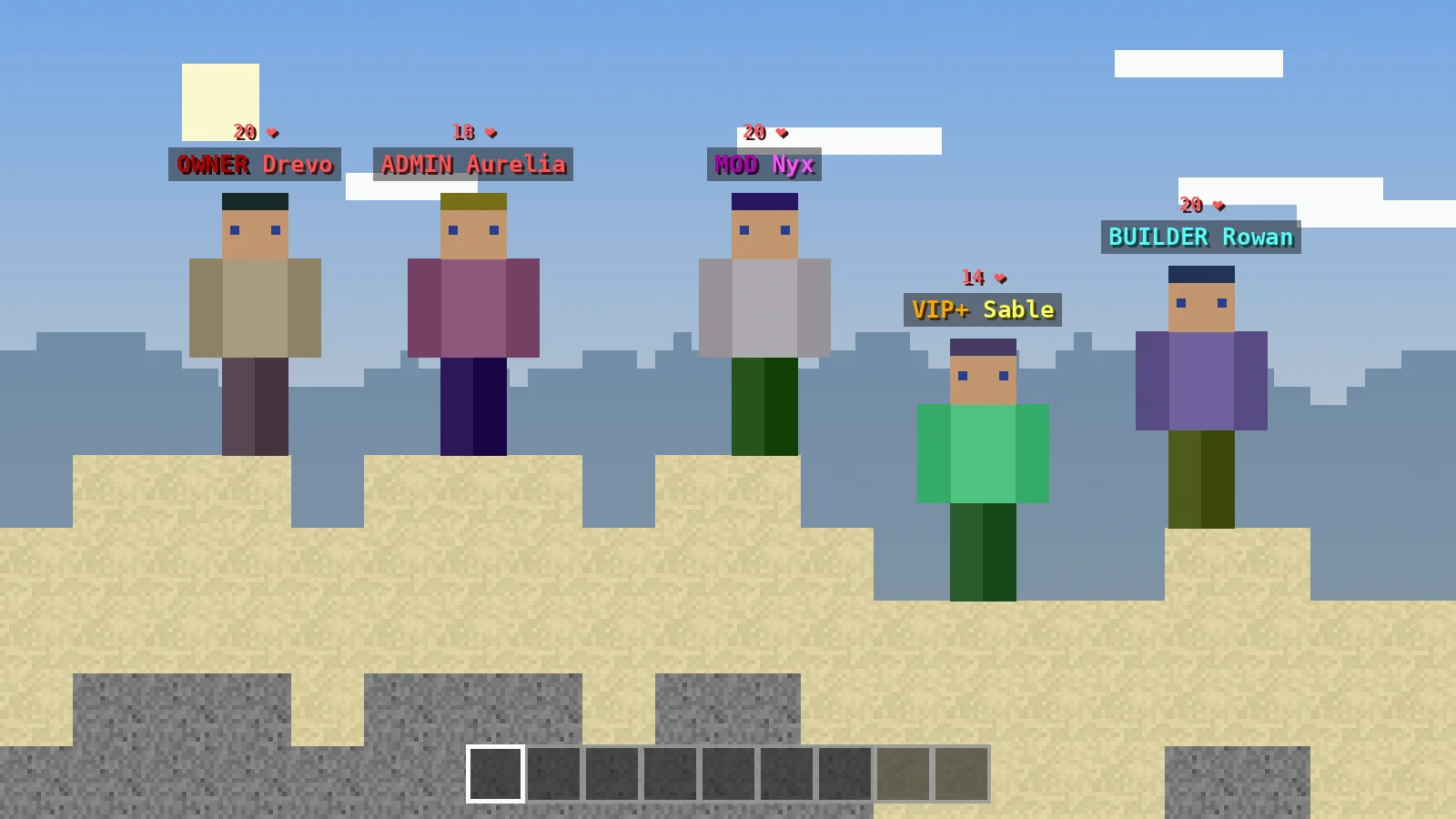
Give every rank its own prefix, suffix or custom name in the tablist and above heads, pulled from LuckPerms or set per group in groups.yml.
Put owners and staff at the top, then sort by rank, permission or any placeholder, so players always find who they are looking for.
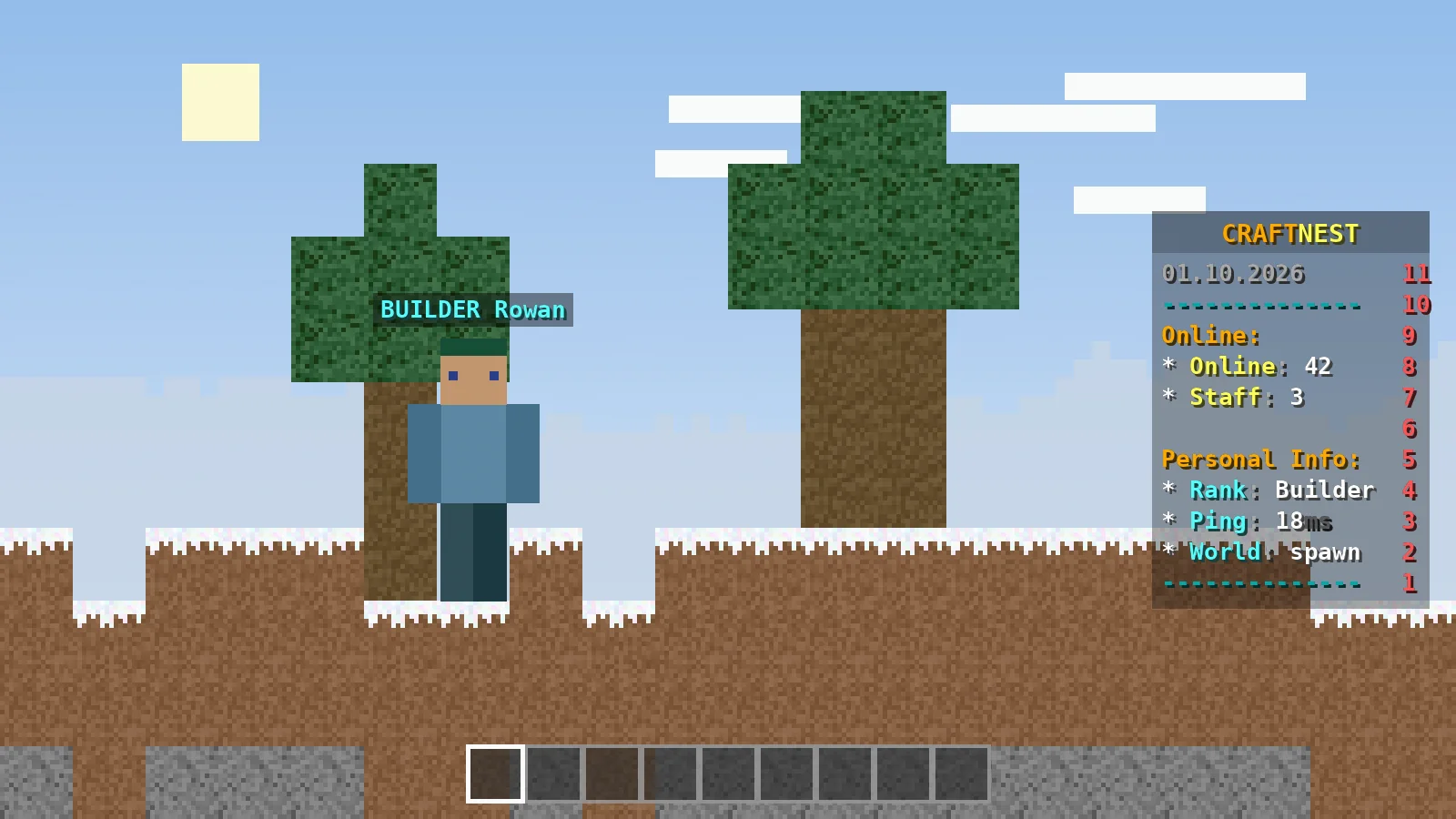
Show online counts, rank, ping and world in a tidy sidebar with right-aligned values, per-world boards and a /sb toggle for players.
Display event countdowns, vote reminders or server links in a bossbar, and announce a bar to everyone for a set time with one command.
Turn any frame list into an animation and use it anywhere, from a shimmering server name to a footer that rotates between your links.
Install once on Velocity or BungeeCord to show every player on the network, group servers together and keep settings in one place.
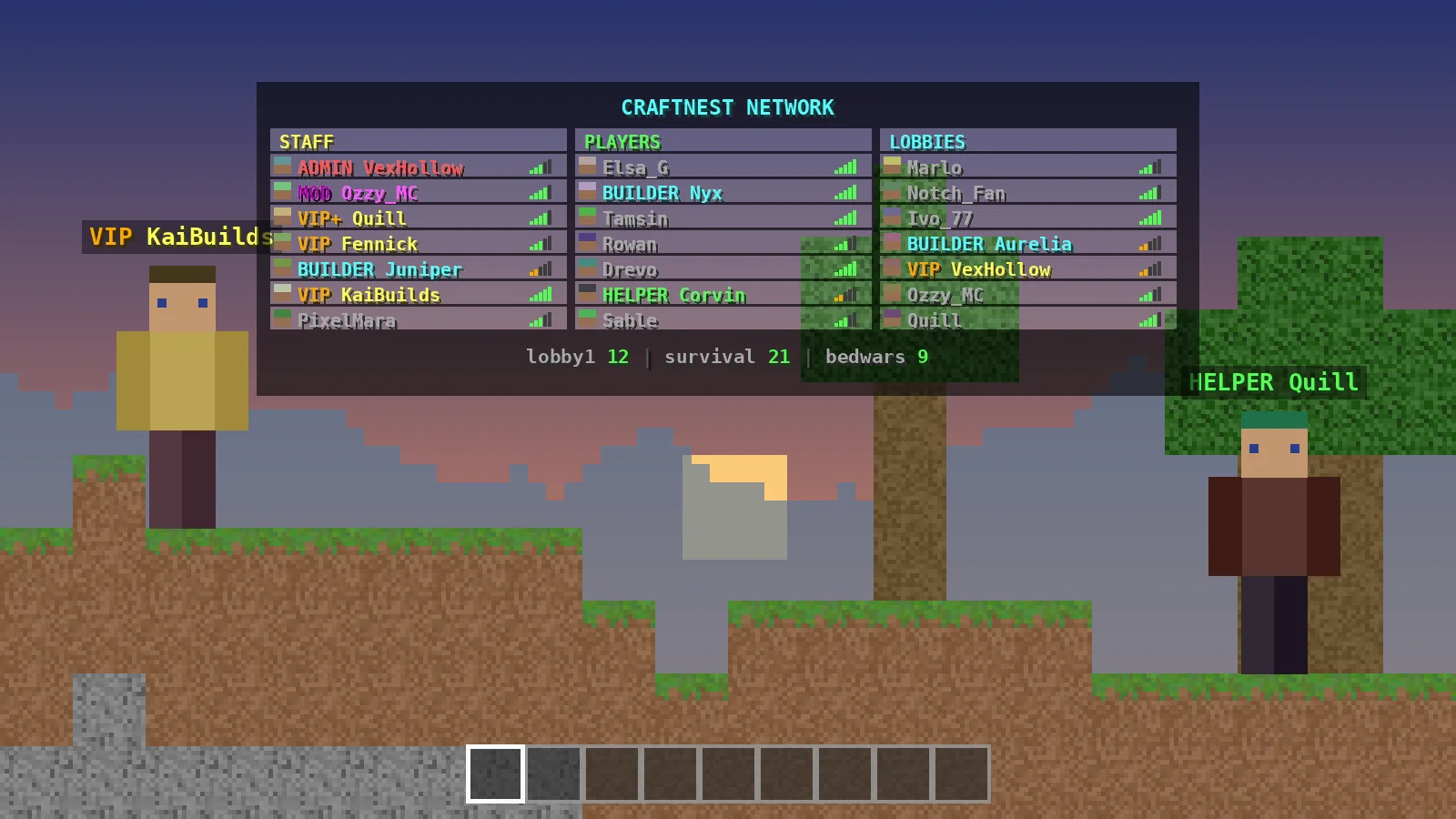
Build a structured tablist with columns for staff, players and server information instead of a plain alphabetical list.
Measure exactly what each feature costs with /tab cpu and tune refresh intervals, so even busy servers keep a steady 20 TPS.
TAB itself is light. What matters most is that your server software and Java version match the Minecraft release you run.
| Component | Minimum | Recommended |
|---|---|---|
| Server software | Spigot or BungeeCord on a supported version | Paper, Purpur or Folia; Velocity for networks |
| Java | The Java version your Minecraft release requires | The newest Java LTS your server software supports |
| RAM | 2 GB for a small server (TAB itself uses very little) | 4 to 8 GB depending on player count |
| CPU | 2 cores | 4 or more fast cores for busy servers |
| GPU | Not required on the server | Not required; players need nothing extra |
| Storage | About 10 MB for the jar and configs | SSD storage for the whole server |
| Internet | Needed to download the jar and for players to connect | Stable connection; MySQL optional for multi-server sync |
The main button downloads the universal jar directly from the official GitHub release. Nothing is re-hosted or repackaged.
f94331947134242efa478b9b9bf04b29e37861721dee58c32b7ea57779aa735e
Download TAB.v6.2.0.jar
Pick the system your server runs on. On every platform the idea is the same: put the jar in the plugins folder and restart. The full installation guide covers extra checks.
TAB.v6.2.0.jar from the official GitHub release using the button above.stop in the console so files are not locked.plugins folder, and paste the jar there. Delete any older TAB jar.start.bat and wait for the console to show TAB enabling./tab reload after any edit to plugins/TAB/config.yml.TAB.v6.2.0.jar from GitHub. Safari may place it in Downloads.stop in the Terminal window running your server.plugins folder in Finder, or run mv ~/Downloads/TAB.v6.2.0.jar ~/server/plugins/../start.sh (or your java command) and watch for TAB in the log.plugins/TAB/config.yml in a plain text editor, save, then run /tab reload.cd /opt/minecraft.wget -P plugins/ https://github.com/NEZNAMY/TAB/releases/download/6.2.0/TAB.v6.2.0.jar.sha256sum plugins/TAB.v6.2.0.jar and compare it with the hash on this page.systemctl restart minecraft, or stop and start your screen or tmux session.tail -f logs/latest.log and confirm TAB enabled without warnings.plugins and upload TAB.v6.2.0.jar from your Downloads.plugins folder through the panel's file manager.config.yml and run /tab reload from your phone.Start with the defaults, change one feature at a time and reload after each edit.
plugins/TAB/config.yml and change the header lines under header-footer → designs → default.groups.yml; see the prefix guide./tab reload, then press Tab in game.display-condition for each world or server./tab reload applies config changes instantly./tab parse <player> <placeholder> shows what a placeholder returns./tab dump <player> builds a full troubleshooting report./tab cpu shows performance per feature; use /btab on proxies./sb and the bossbar with /bossbar by default.Behind every formatted name is the same five-step cycle.
On start, TAB reads config.yml, groups.yml, users.yml and animations.yml, converting old formats automatically.
It asks your permission plugin for each player's primary group, or checks permission nodes if you prefer.
Built-in and PlaceholderAPI values are refreshed on their own intervals and cached to save CPU.
TAB sends tablist, team, scoreboard and bossbar packets that each client version understands.
Only values that changed are re-sent, which keeps network traffic and server load low.
One universal jar covers every platform below.
| Category | Supported | Notes |
|---|---|---|
| Server operating systems | Windows, macOS, Linux | Anything that runs Java for your server |
| Bukkit-based servers | Paper, Spigot, Purpur, Folia | Minecraft 26.3 supported from 6.2.0 |
| Proxies | Velocity, BungeeCord | Velocity needs VelocityScoreboardAPI for scoreboard features |
| Modded servers | Fabric, NeoForge, Sponge | Forge was awaiting an update for the newest versions |
| Player devices | Java Edition on PC; Bedrock via Geyser | Phones and consoles join through Geyser servers |
| Browsers (for this site) | Chrome, Edge, Firefox, Safari | Used only for downloading and reading guides |
| Integrations | LuckPerms, PlaceholderAPI, MySQL, Vault-based permissions | TAB-Bridge passes backend data to a proxy |
| Developer framework | Public Java API | Hook in from your own plugins |
Our honest summary after running TAB on a single Paper server and a Velocity network.
Learn YAML, permissions and placeholders on a class or club server, with clear feedback from /tab parse.
Give friends visible ranks, show ping and online counts, and add a clean scoreboard for events.
Use the API to update scoreboards and nametags from your own minigame or core plugin.
Commercial networks brand every server with one config and show store and support links in the footer.
Education and research projects label groups and display live session data to participants.
Streamers use layout columns for their team and socials so the tablist looks good on camera.
Real configurations from our test servers: tablist, nametags, scoreboard, bossbar, layout and config files.
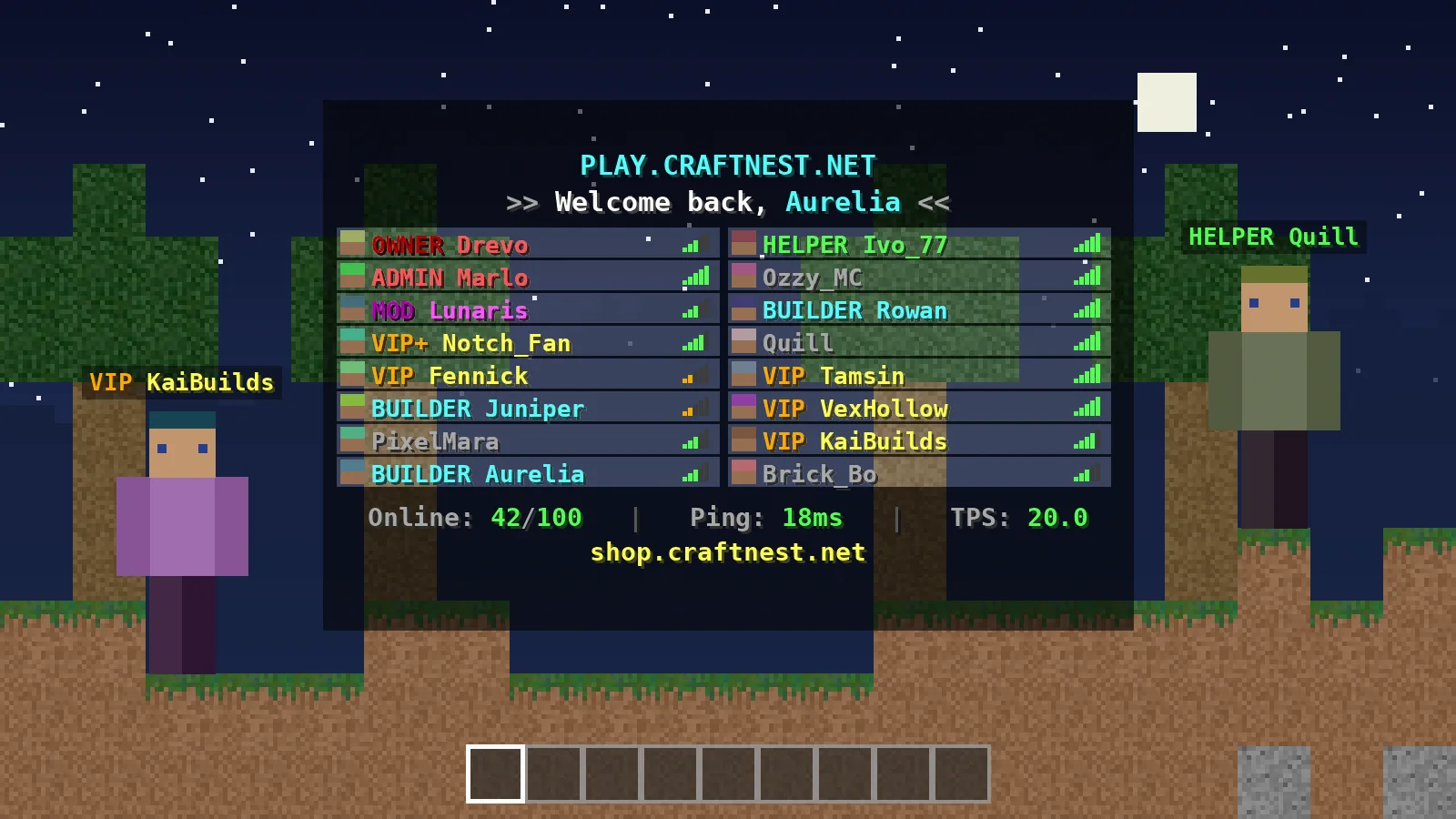
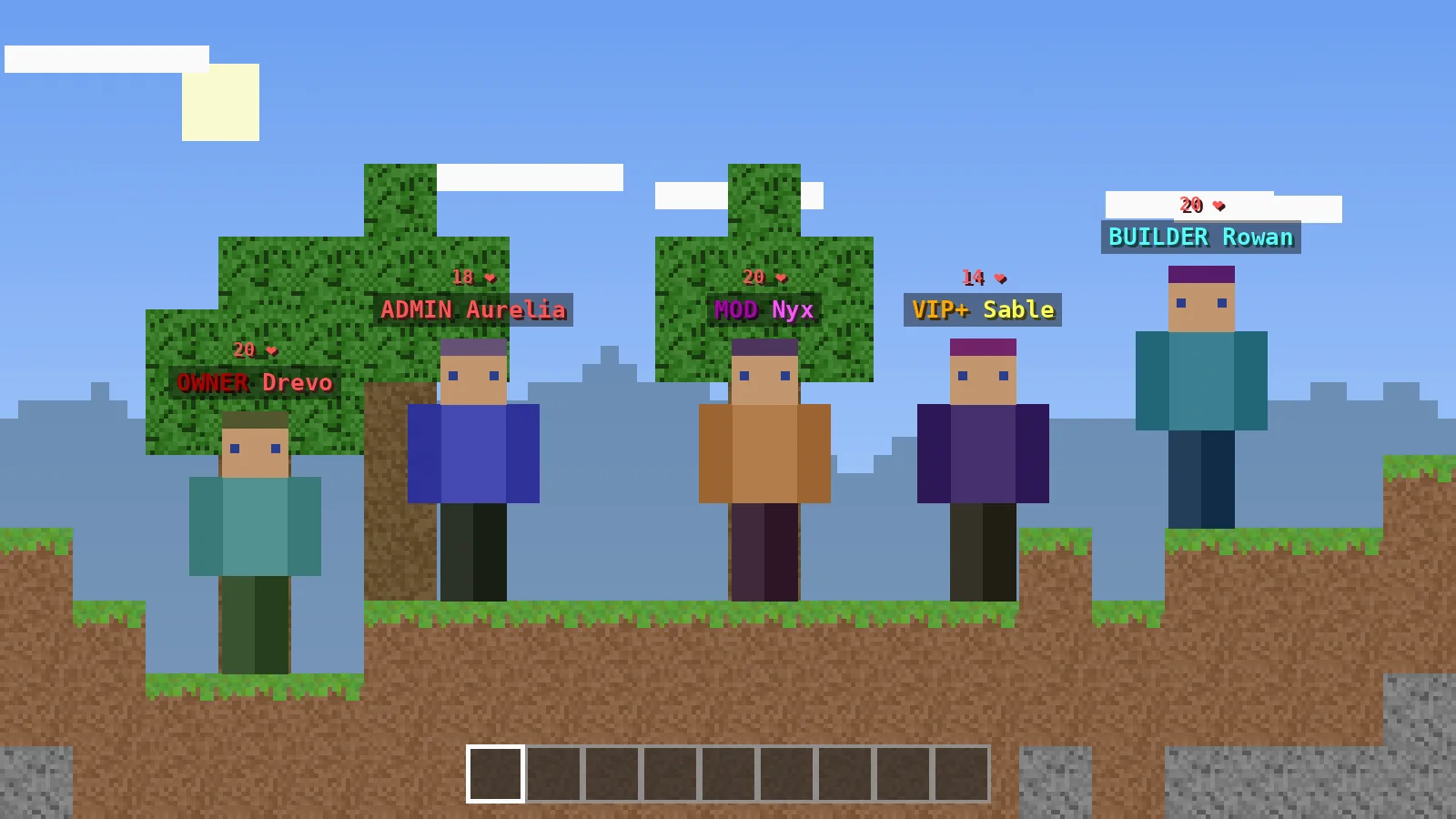
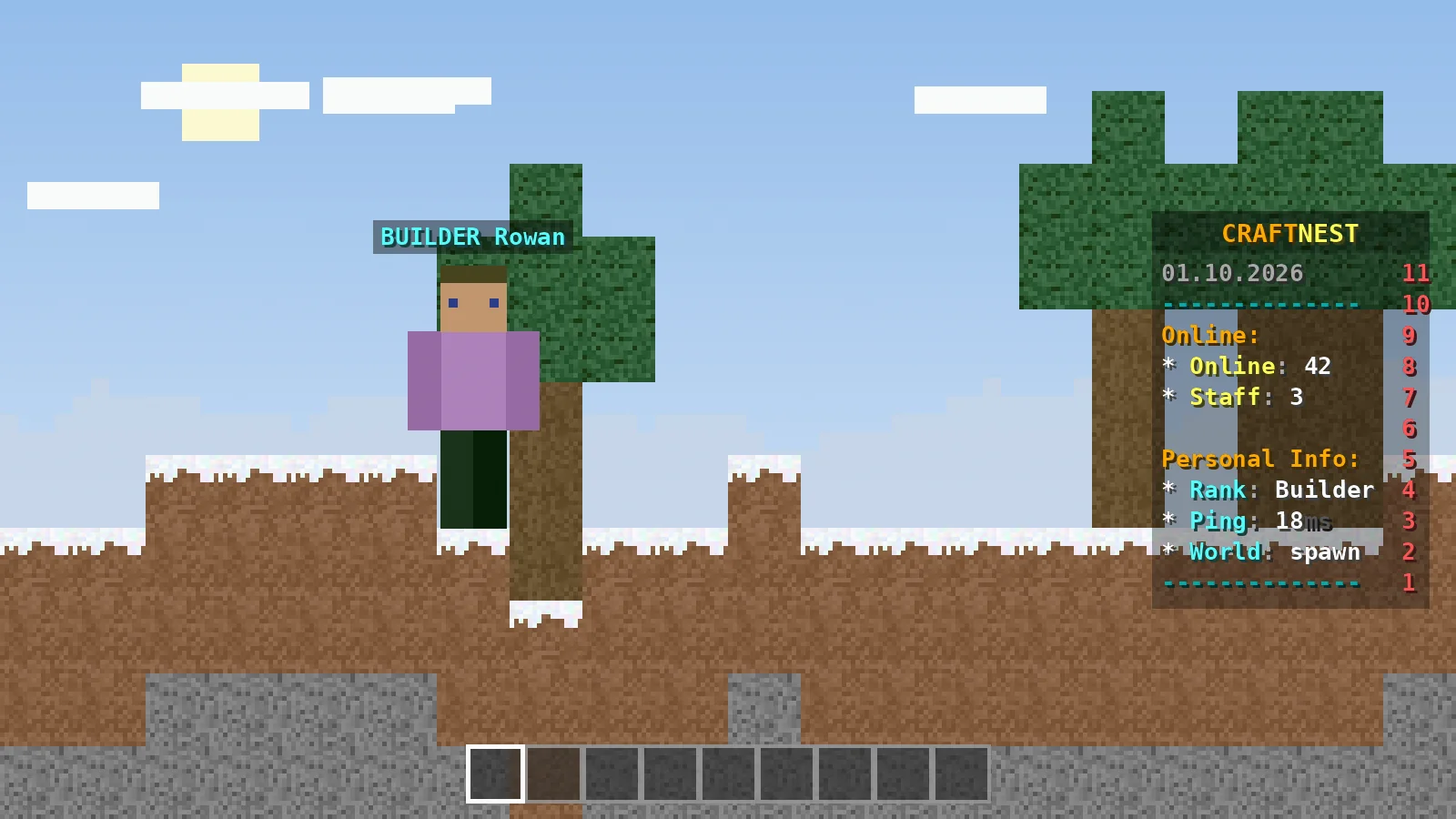
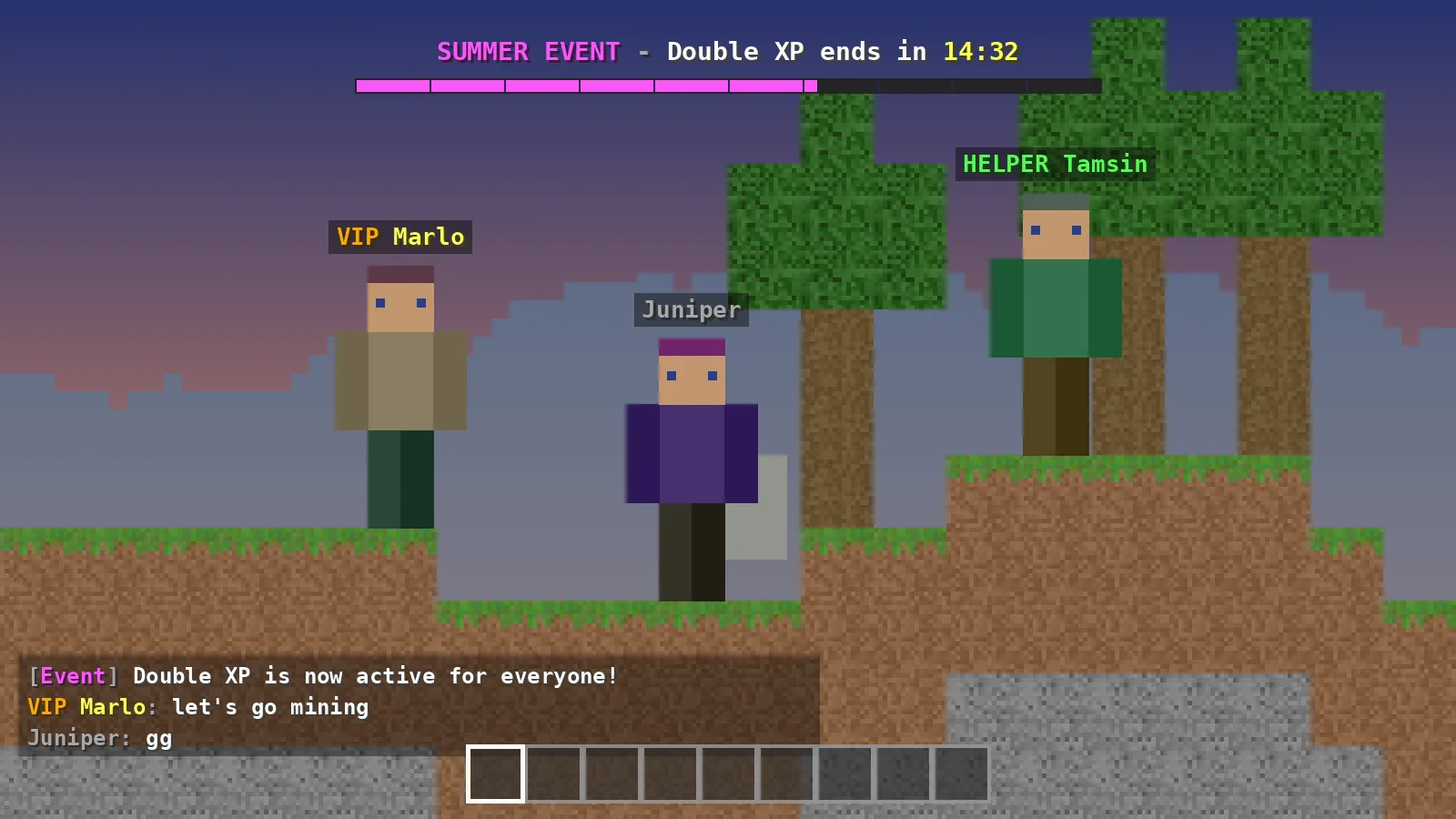
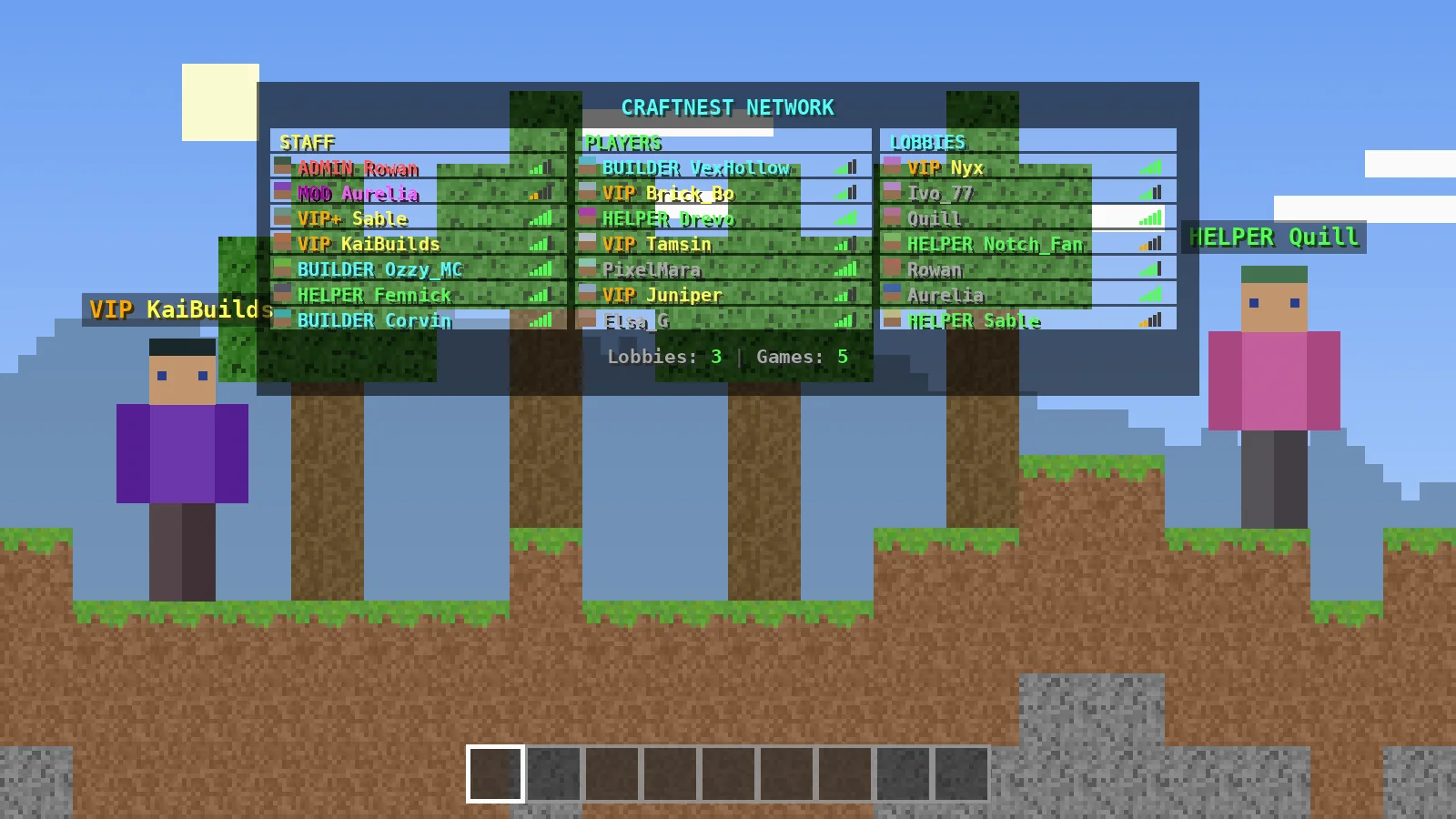
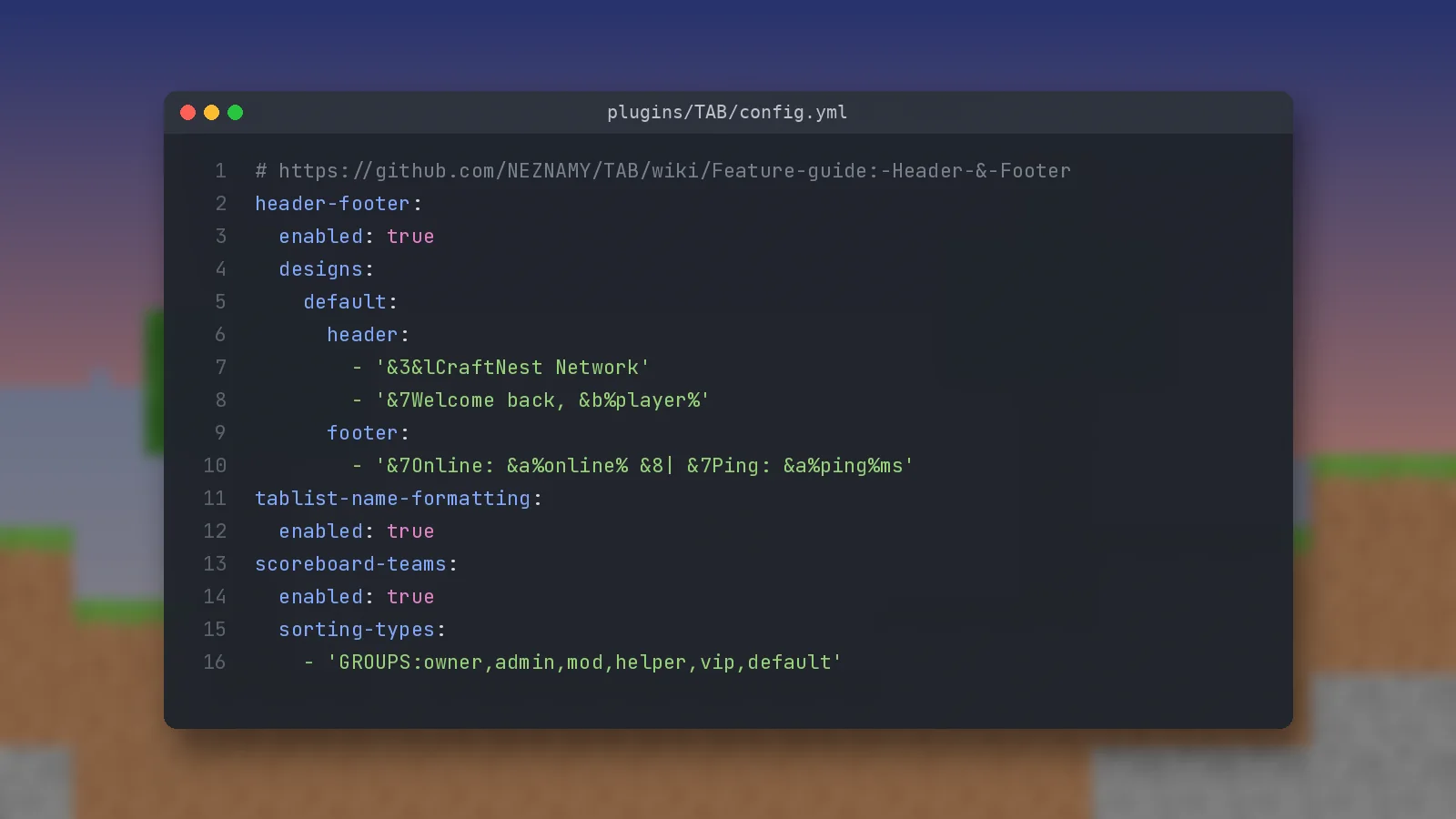
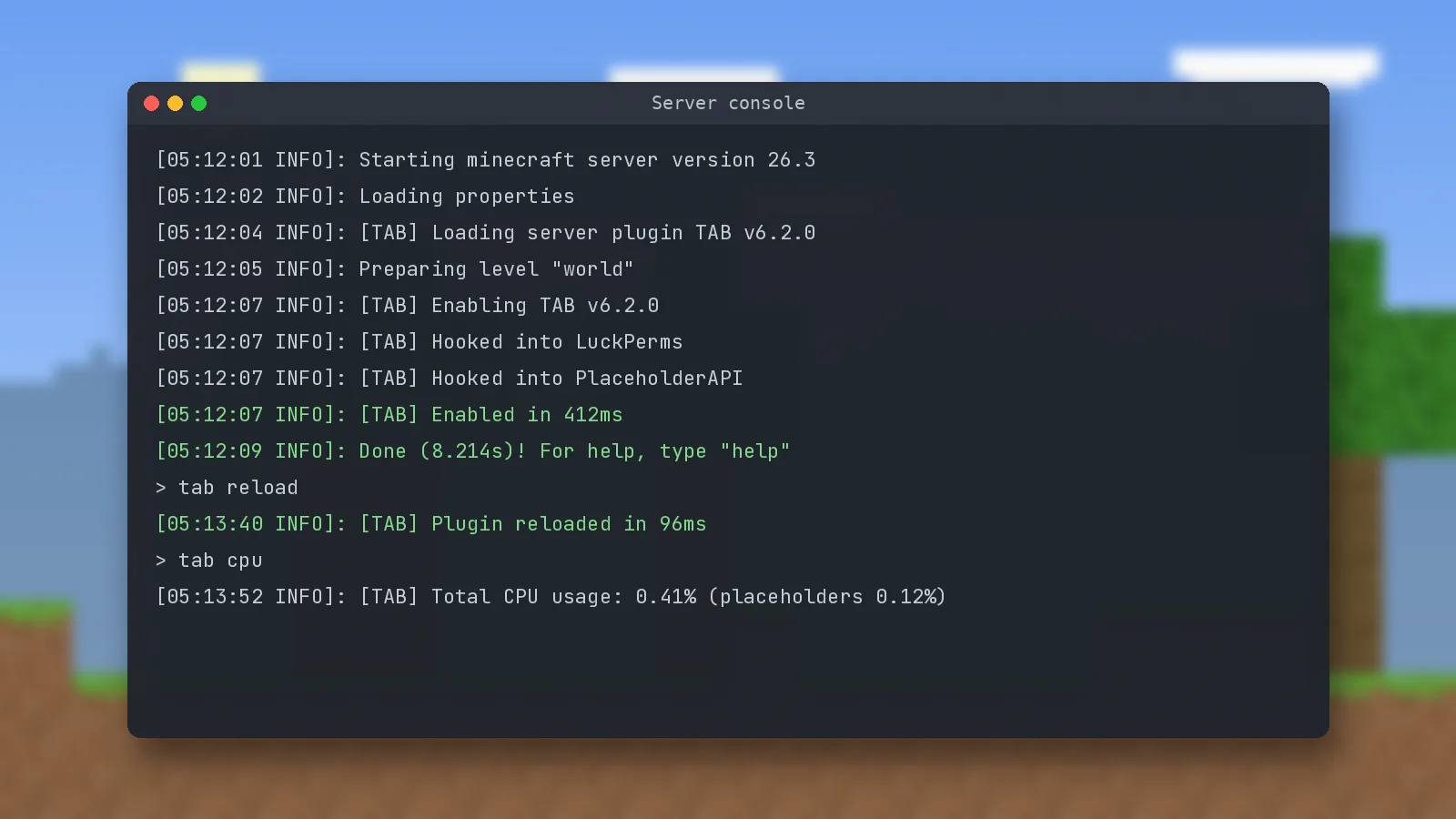
Most problems are quick to fix. For a deeper walkthrough, read fixing common TAB plugin errors.
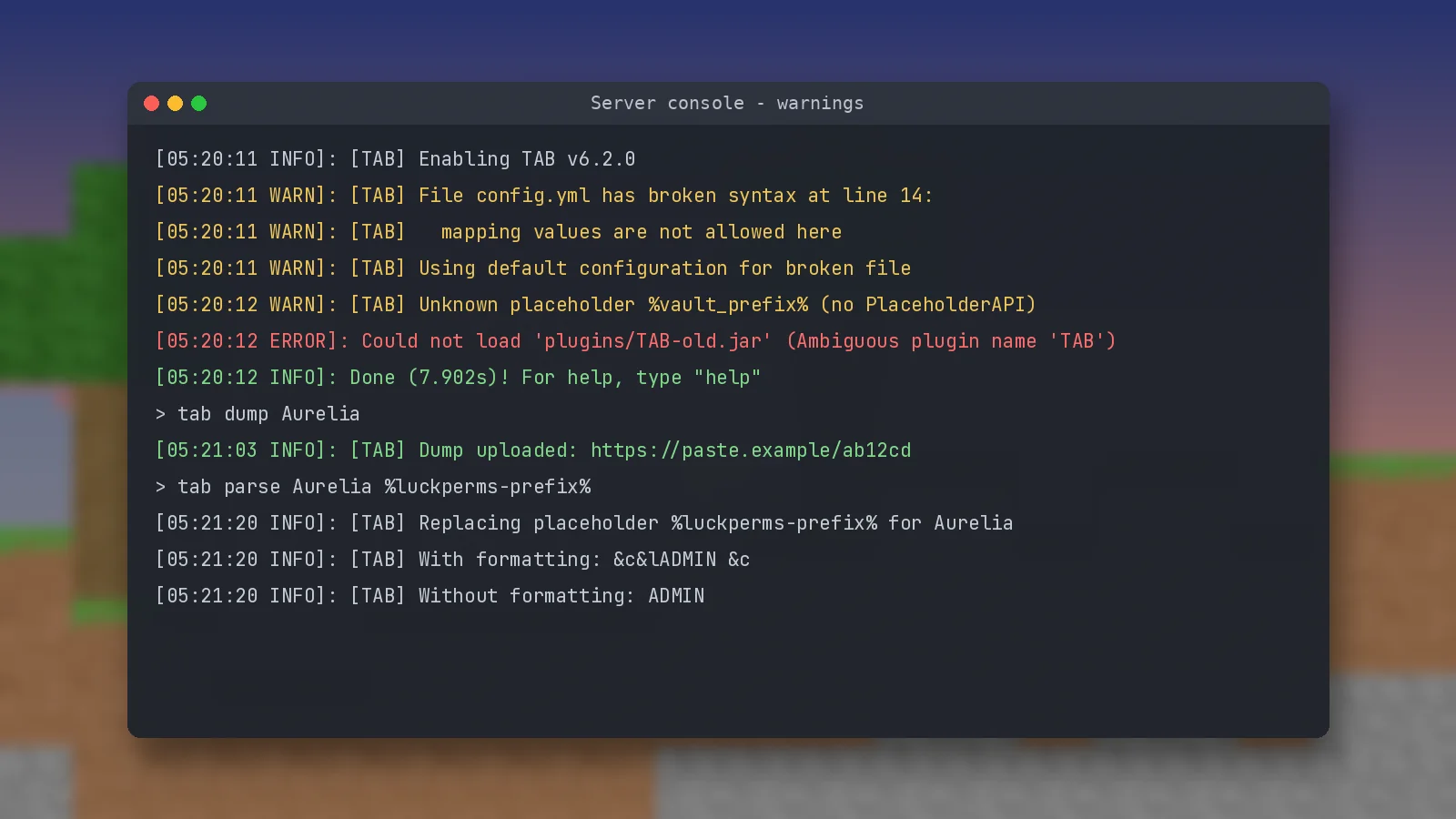
Replace tab characters with spaces, fix indentation and quote values that start with & or %. TAB reports the line number in the console.
Test with /tab parse <player> %luckperms-prefix%. Empty output means the prefix is missing in LuckPerms.
Group names in sorting-types must match your permission plugin exactly, including capital letters.
Two TAB jars are in the plugins folder. Delete the older one and restart.
Install VelocityScoreboardAPI on the proxy and restart.
Forge had not received an update for the newest Minecraft versions at the 6.2.0 release, and players on very old clients cannot show RGB colours, so TAB falls back to the closest legacy colour.
Run /tab cpu, raise refresh intervals for expensive PlaceholderAPI placeholders, keep animations at 300 ms or slower and disable features you do not use.
Is the TAB plugin safe? Yes, when you download it from official sources. Here is what it does with your data.
The full source code is public on GitHub, every release is built from that code, and the file this site links to is served by GitHub with its own checksum. Avoid re-uploads from unknown sites.
TAB stores its settings in local YAML files, or in your own MySQL database if you enable it. There is no TAB account and no cloud service involved.
Admin commands need permissions such as tab.reload or tab.admin. Regular players only need toggle permissions if you restrict /sb or /bossbar.
TAB reads player names, groups and placeholder values to display them in game. Anonymous plugin statistics can be sent through bStats and switched off in its config.
Commands are permission-gated, configs stay on your machine and the developer publishes fixes through regular releases.
We never host modified jars. Every download button points to an official release file. Read our privacy policy for how this site handles visitor data.
Ratings are our editorial scores. See the full alternatives guide for details.
| Software | Price | Licence | Platforms | Features | Rating | Pros | Cons |
|---|---|---|---|---|---|---|---|
| TAB | Free | Apache 2.0 | Bukkit, Folia, Velocity, BungeeCord, Fabric, NeoForge | Tablist, nametags, sorting, scoreboard, bossbar, layout | 4.8 | All-in-one, wide support | Long config |
| Velocitab | Free | Open source | Velocity only | Network tablist, server groups | 4.3 | Simple proxy setup | No sidebar or bossbar |
| TabList | Free | Open source | Spigot, Paper | Header, footer, tablist names | 3.9 | Lightweight | Narrower feature set |
| NametagEdit | Free | Open source | Spigot, Paper | Nametag prefixes and suffixes | 3.4 | Very easy to learn | Slower development |
| FeatherBoard | Paid | Proprietary | Spigot, Paper | Animated sidebar scoreboard | 4.0 | Rich scoreboard effects | Costs money, scoreboard only |
Verified server ownerI replaced three separate plugins with TAB. The header, the rank prefixes and the sidebar now share one config style, and staff finally appear at the top of the list. The setup took one evening.
Verified server ownerRunning TAB on the Velocity proxy fixed our biggest annoyance: the header no longer resets when players switch servers. The global playerlist with server groups is exactly what we needed.
Verified server ownerI run a small server for my class to learn YAML and permissions. The default config is well commented and /tab parse made it easy to understand how placeholders resolve.
Verified server ownerGreat plugin, and animations look smooth. It took me a while to understand designs and conditions in the newer config format, but the wiki explains each option clearly.
Verified server ownerClean code, proper API and an Apache licence. I hook into TAB from my own minigame plugin to update scoreboard lines, and /tab cpu shows the overhead is tiny.
Verified server ownerViewers always comment on how polished our tablist looks on stream. The layout feature with columns for the team and our socials was surprisingly simple to set up.
Quick answers about downloading, installing, licensing and fixing TAB.
The safest sources are the official channels listed by the developer: GitHub releases, Modrinth, SpigotMC, BuiltByBit and CurseForge. Our download button links straight to the GitHub release file for version 6.2.0, so nothing is re-hosted or modified. Compare the SHA-256 checksum on this page with your downloaded file if you want to be certain it is untouched.
Most servers should use the universal file, TAB.v6.2.0.jar, which contains every platform module in one jar. The release also offers a separate Paper build for Minecraft 1.20.5 to 1.21.4. Only pick that one if you run those exact versions on Paper and the universal file causes problems on your setup.
No. TAB is entirely server-side. Players join with an ordinary Minecraft client and immediately see the formatted tablist, nametags, scoreboard and bossbar. That includes Bedrock players connecting through Geyser, who receive the same information in their own interface.
Yes. Installing TAB only on the proxy is the recommended setup for networks. Add TAB-Bridge to backend servers for PlaceholderAPI support, and on Velocity install VelocityScoreboardAPI on the proxy for nametags, sorting and scoreboards. Use /btab instead of /tab for commands on the proxy.
Stop the server, delete the old jar, place the new one in the plugins folder and start the server again. TAB automatically converts existing configuration files to the newest format, so your settings stay intact. Downgrading is not supported, so keep a backup of the TAB folder before a big update.
TAB covers a very wide range of versions. Release 6.2.0 added Minecraft 26.3 support for Bukkit-based servers, Fabric and NeoForge, while support for 1.19.1 to 1.19.3 was removed. Always check the release notes on GitHub for the exact list before updating your server.
Yes, the universal jar includes Fabric and NeoForge modules, so you can drop it into the mods folder of a Fabric or NeoForge server. At the time of the 6.2.0 release, Forge had not yet received an update for the newest Minecraft versions, so check the release notes first.
For a single server it takes around five minutes: download the jar, upload it to the plugins folder, restart and test. A network installation takes a little longer because you also add TAB-Bridge to backend servers and set up a permission plugin on the proxy.
TAB is open source, so anyone can read its code on GitHub, and it is widely used across many servers. The main risk comes from unofficial re-uploads, which can be modified. Download only from official sources, check the SHA-256 checksum, and keep the plugin updated to receive fixes.
TAB is free to use and is released under the Apache License 2.0, a permissive open-source licence. You can use it on commercial servers. The developer no longer offers a paid version, and only those who bought it earlier receive the extended personal support that came with purchase.
TAB processes player names, groups and placeholder values on your own server in order to display them. It does not need an account or a cloud service. Like many plugins it can report anonymous usage statistics through bStats, which you can turn off in the bStats configuration folder.
Run /tab parse followed by the player name and %luckperms-prefix%. If the result is empty, set the prefix in LuckPerms first. If it shows correctly but the tablist is plain, make sure tablist-name-formatting is enabled and that no other plugin is changing tablist names or scoreboard teams.
YAML needs spaces, never tab characters, and consistent indentation. TAB names the file and line number in the console and loads default values until it is fixed. Wrap any value starting with & or % in single quotes, save, then run /tab reload to apply it.
Only one plugin should control each feature. If you keep a separate scoreboard plugin, leave TAB's scoreboard disabled. The same applies to nametag plugins, which compete with TAB for scoreboard teams and can make prefixes or sorting behave unpredictably.
Velocitab suits Velocity-only networks, TabList covers basic tablist needs on Spigot, NametagEdit handles nametags only, and FeatherBoard is a paid scoreboard plugin. TAB's advantage is that it handles all of these features together. Our comparison table and alternatives guide go through the trade-offs.
Run /tab cpu in game or in the console. It lists how much processing time each feature and placeholder uses. If a PlaceholderAPI placeholder is expensive, raise its refresh time in placeholder-refresh-intervals inside config.yml to cut the load without losing the feature.
Step-by-step articles for setup, design and troubleshooting. View all guides.
Download the universal jar, drop it into /plugins, restart once and check the console. Here is the full process, plus the add-ons that make TAB more useful.
The TAB config looks long, but it is organised by feature. Learn what each block does, which defaults to keep and which lines to change first.
Animations are just lists of frames with a speed. Here is how to build a smooth welcome effect, a rotating link and a gradient divider line.
Two ways to show ranks: pull prefixes straight from LuckPerms or define them per group in groups.yml. Here is when to use each and how to sort ranks.
Installing TAB once on the proxy is the recommended setup for networks. Learn what TAB-Bridge does, how /btab works and how to group servers.
TAB includes a complete sidebar scoreboard with conditions, toggles and right-aligned values. Here is how to build one that reads cleanly.
Most TAB issues come down to YAML spacing, group names or another plugin fighting over the same feature. Here is a fast way to find which one.
TAB covers tablist, nametags, scoreboard and bossbar in one jar. Some servers still prefer a narrower plugin. Here is how the main options compare.
Questions about this site, corrections or partnership ideas. For bugs in the plugin itself, use the official GitHub issue tracker.