Many servers install a separate scoreboard plugin without realising that TAB already has one. Its sidebar supports multiple boards, display conditions, animations and right-aligned numbers on newer clients. This guide shows how to switch it on, design readable lines and give players a toggle command.
Turning the scoreboard on
Enable the feature
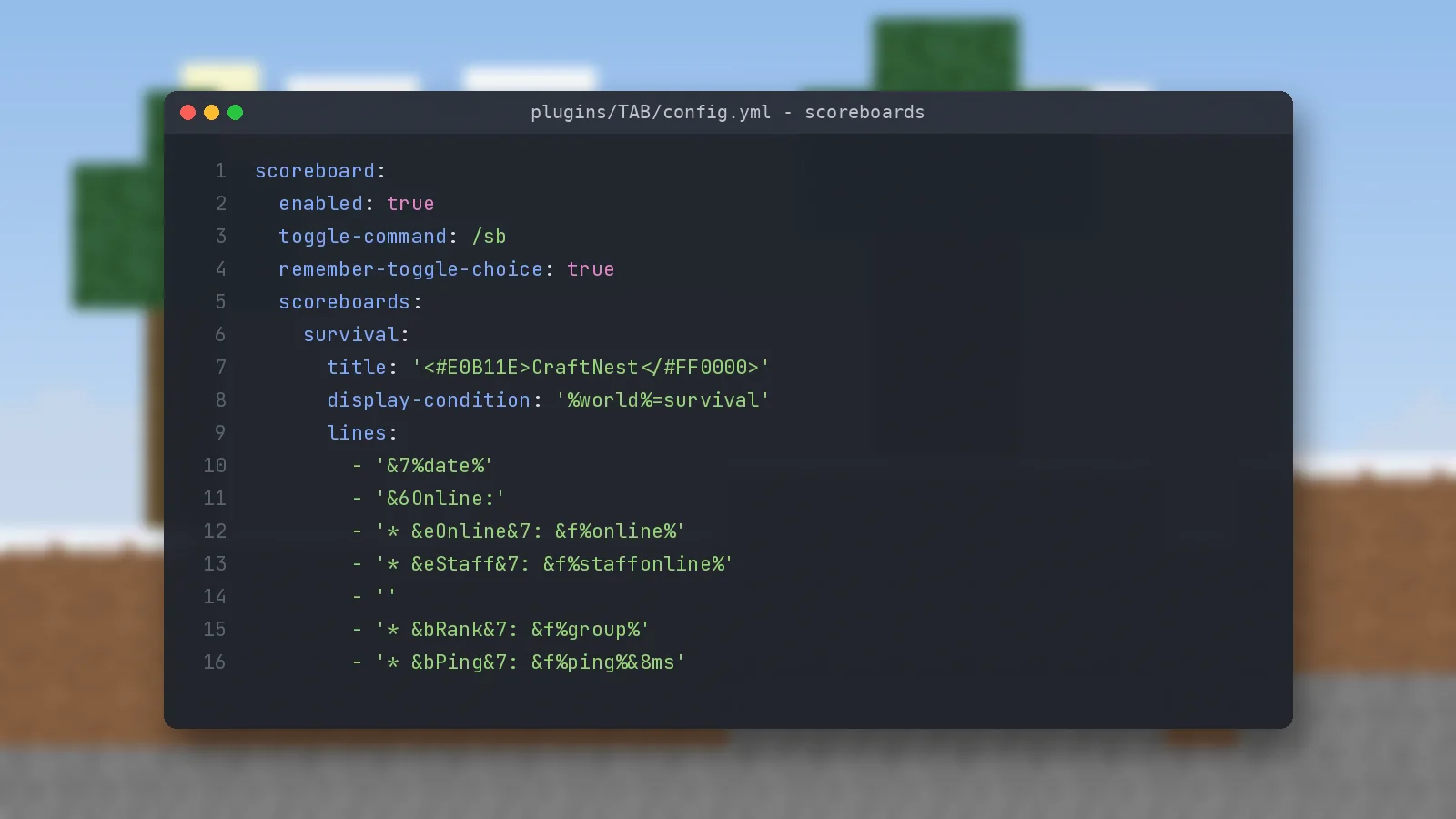
In config.yml, find the scoreboard block and set enabled: true. The default file already includes two example boards, so you will see a sidebar right after /tab reload.
Add a toggle command
The toggle-command option, /sb by default, lets players hide the board. Set remember-toggle-choice: true so their choice survives a relog.
Designing the lines
Group related information
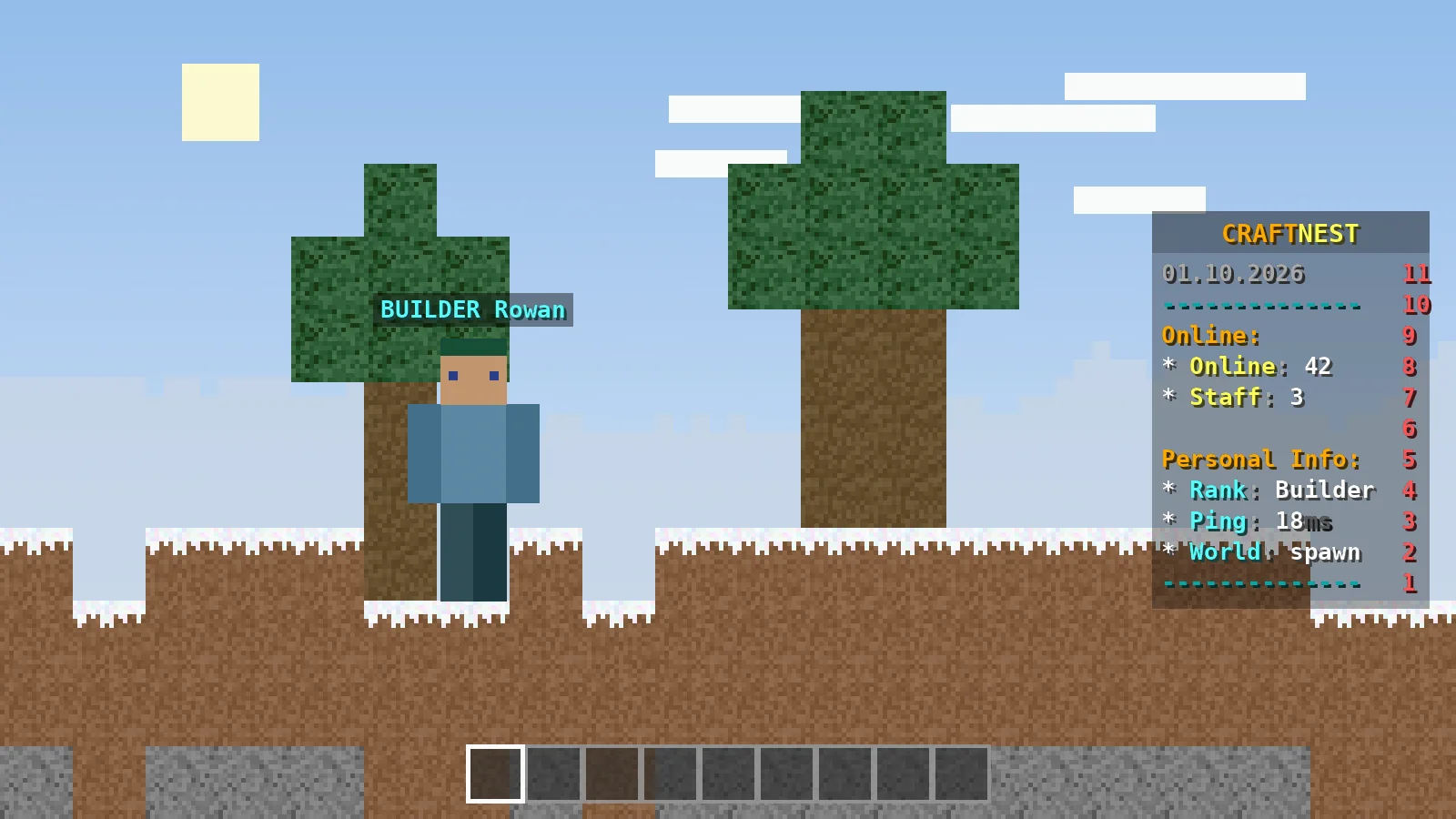
Split the board into short sections, such as server info and personal info, separated by an empty line. Keep it under 12 lines so it does not cover the screen on small displays.
scoreboards:
  survival:
    title: '<#E0B11E>CraftNest</#FF0000>'
    display-condition: '%world%=survival'
    lines:
      - '&7%date%'
      - '&6Online:'
      - '* &eOnline&7:||%online%'
      - '* &eStaff&7:||%staffonline%'
      - ''
      - '* &bRank&7:||%group%'
      - '* &bPing&7:||%ping%&8ms'
Right-aligned values with ||
On 1.20.3 and newer clients, anything after || appears on the right side, where the red numbers normally sit. This creates a tidy two-column look. Older clients need a separate board without ||, which you can target with a condition.
Multiple boards with conditions
Per-world and per-version boards
Boards are checked from top to bottom, and the first one whose display-condition passes is shown. Put specific boards, like one for a minigame world, above the general one.
Showing a board temporarily
/tab scoreboard announce <name> <seconds> shows a board to everyone for a set time, which works well for event countdowns.
Performance and readability
Refresh intervals
Placeholders refresh every 500 ms by default. Slow down the expensive ones, such as balance or statistics placeholders, in placeholder-refresh-intervals.
Colour and contrast
Use one accent colour for labels and white for values. Too many colours make a board hard to scan, especially over bright terrain.
Quick answers
Will it conflict with another scoreboard plugin?
Yes. Only one plugin should control the sidebar. Disable the other plugin's scoreboard or keep TAB's switched off.
Can the title animate?
Yes, with an animation placeholder. See animated headers for the format.
Ready to try it?
Download TAB 6.2.0 from the official GitHub release. Free, 8.09 MB.

We run test servers on Paper, Folia and Velocity and update these guides whenever TAB changes. Spotted something out of date? Let us know.