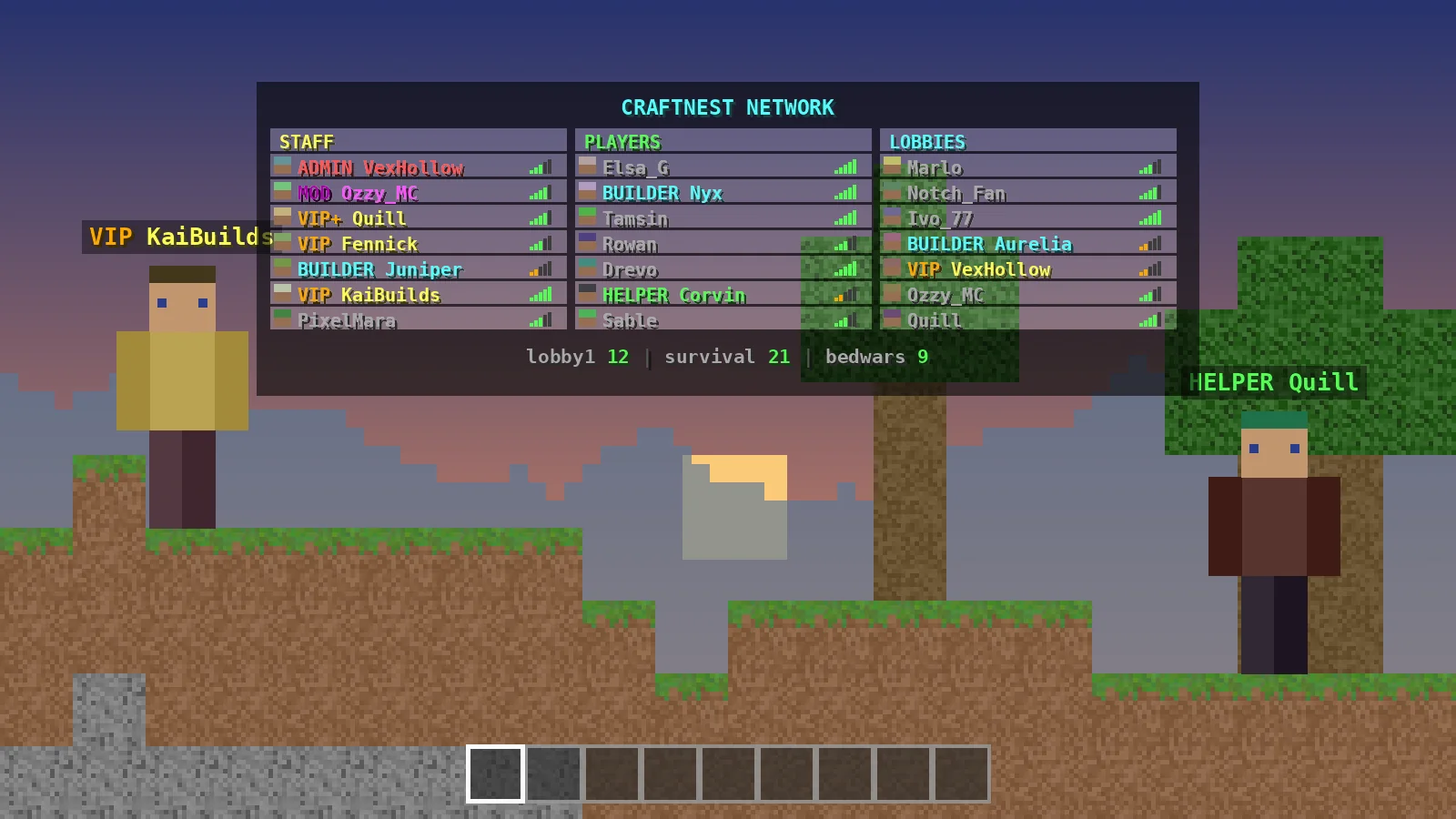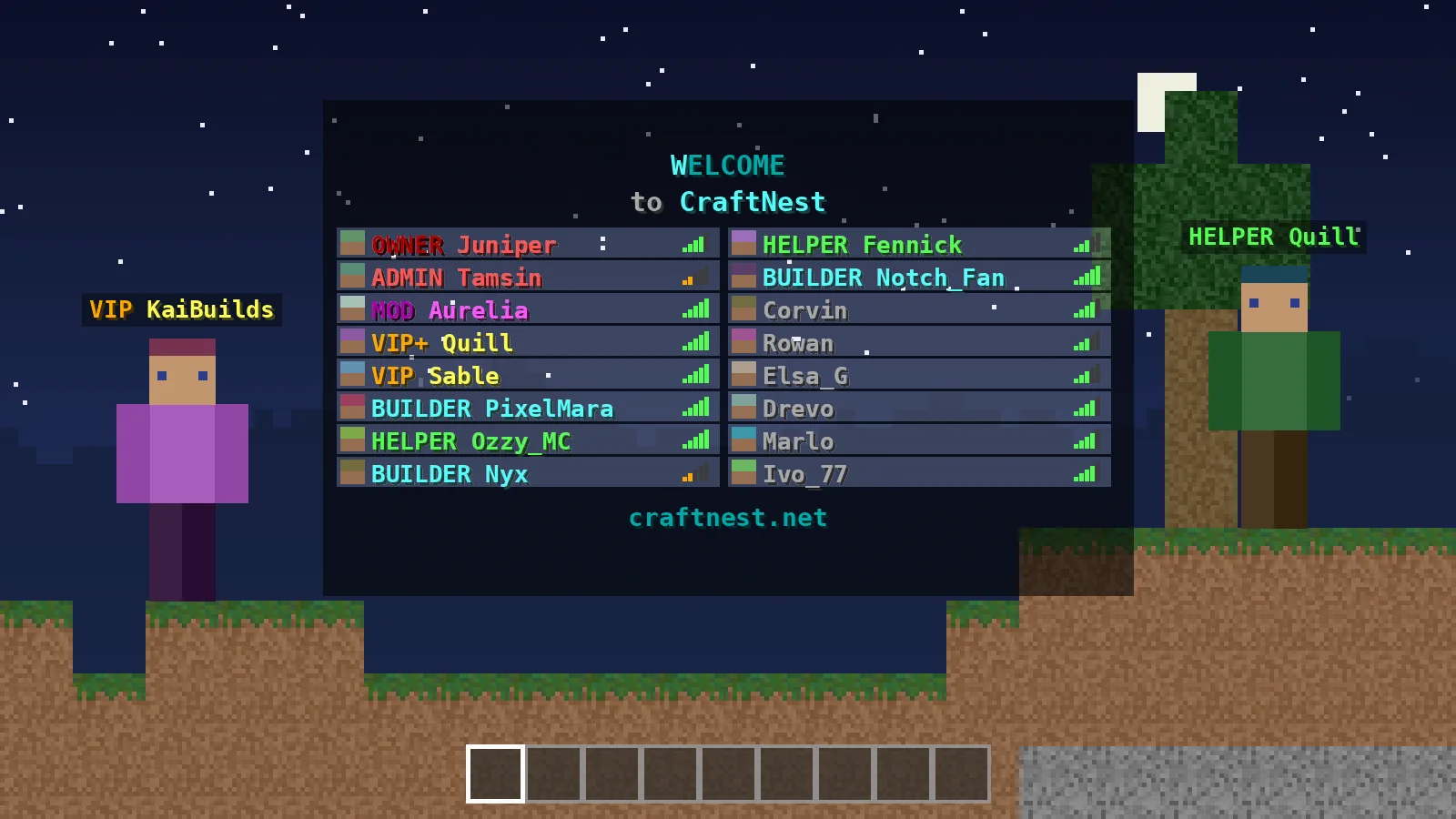
A moving header is often the first thing players notice when they press Tab. TAB builds animations from simple frame lists in animations.yml, so you can add a shimmering server name, rotating links or a sliding divider without extra plugins. This guide shows the format, a few ready-made ideas and how to keep everything light.
How TAB animations work
Frames and change-interval
An animation is a list of text frames. TAB shows one frame, waits for the change-interval (in milliseconds) and moves to the next, looping forever. A value of 400 gives you two and a half frames per second, which looks smooth without flicker.
Using an animation as a placeholder
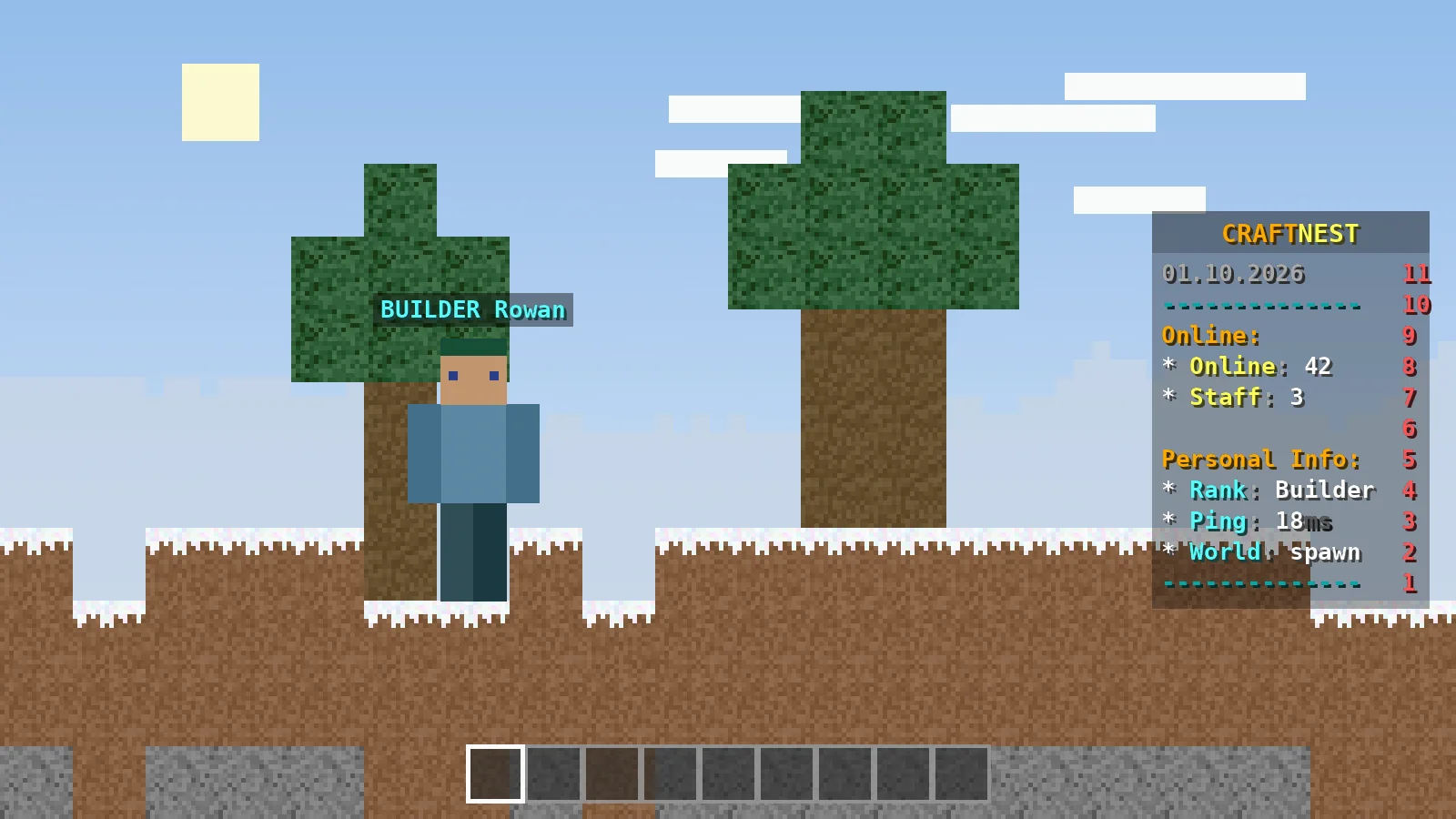
Once defined, an animation called Welcome becomes %animation:Welcome%. You can place it in headers, footers, scoreboard lines, bossbar text or even prefixes.
Building a welcome effect
The highlight sweep
The classic effect moves a bright letter across a darker word. Each frame shifts the bright colour one character to the right:
Welcome:
  change-interval: 400
  texts:
    - '&bW&3elcome'
    - '&3W&be&3lcome'
    - '&3We&bl&3come'
    - '&3Wel&bc&3ome'
    - '&3Welc&bo&3me'
    - '&3Welco&bm&3e'
    - '&3Welcom&be'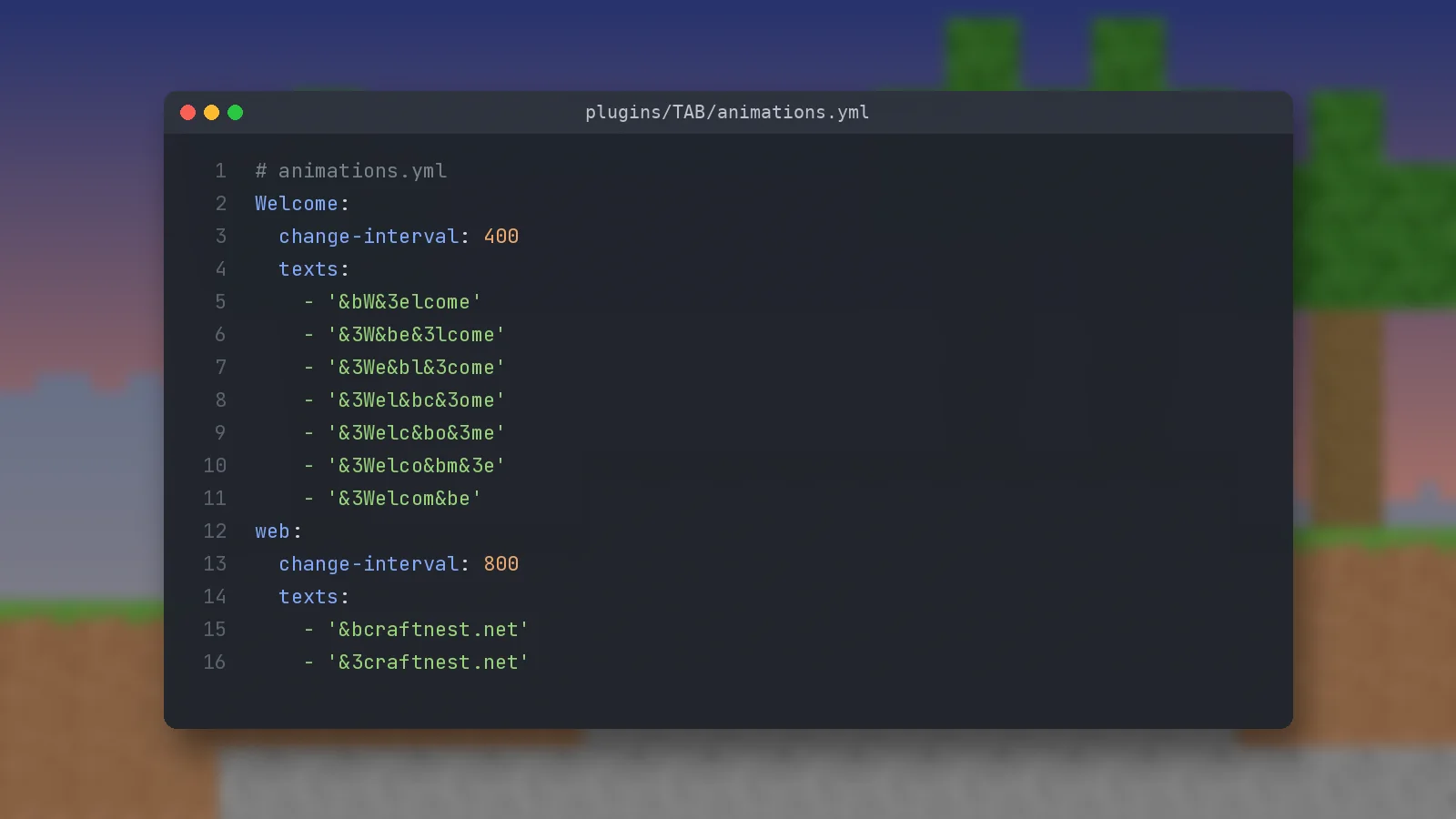
Adding it to the header
Open config.yml and add a line such as '&7&l>> %animation:Welcome% &b%player% &7&l<<' to the header of your default design, then run /tab reload.
More animation ideas
Rotating links and messages
Use fewer, longer-lasting frames for text that players need to read. A footer that rotates between your store, Discord invite and vote link every 3 seconds (change-interval: 3000) works far better than fast flashing.
Gradient divider lines
TAB supports RGB hex colours and gradients such as <#FFFFFF>text</#FFFF00>. A strikethrough line inside a gradient makes a clean divider at the top and bottom of the tablist.
Keeping animations light
Choose sensible speeds
Every frame change sends an update to every player who can see it. Intervals between 300 and 1000 ms are plenty for most effects. Run /tab cpu after adding animations to make sure usage stays low.
Avoid heavy placeholders inside frames
Placing slow PlaceholderAPI placeholders inside a fast animation forces them to refresh constantly. Keep dynamic values in their own line and use placeholder-refresh-intervals to slow down expensive ones.
Designing for every player
Different headers per world or server
Header-footer designs accept a display-condition, so the lobby can show a bold animated welcome while survival worlds show a calmer layout with TPS and online counts.
Older clients
Players on very old client versions cannot display RGB colours, and TAB falls back to the nearest legacy colour. Preview your design on the oldest version you support.
Quick answers
Is there a limit on frames?
No hard limit, but long lists are harder to maintain. Twenty or fewer frames is usually enough.
Can I animate player prefixes?
Yes. Use the animation placeholder inside a tabprefix in groups.yml. See the prefix guide for where those values live.
Ready to try it?
Download TAB 6.2.0 from the official GitHub release. Free, 8.09 MB.

We run test servers on Paper, Folia and Velocity and update these guides whenever TAB changes. Spotted something out of date? Let us know.