The TAB plugin config.yml is close to 300 lines, which can feel like a lot on day one. The good news is that every block maps to a single feature you can switch on or off. This walkthrough explains each main section in plain English, with the settings worth changing first and the ones safest to leave alone.
How the file is organised
One block per feature
Each top-level key, such as header-footer, scoreboard-teams or bossbar, controls one feature. Inside each block you will find enabled: true or false, followed by that feature's options. The default file even links to the matching wiki page in a comment above each block.
Conditions and disable rules
Many blocks support disable-condition or display-condition. A condition like %world%=disabledworld turns a feature off in that world. You can combine checks with a semicolon, and you can test the result in game with /tab parse.
The tablist sections
header-footer and designs
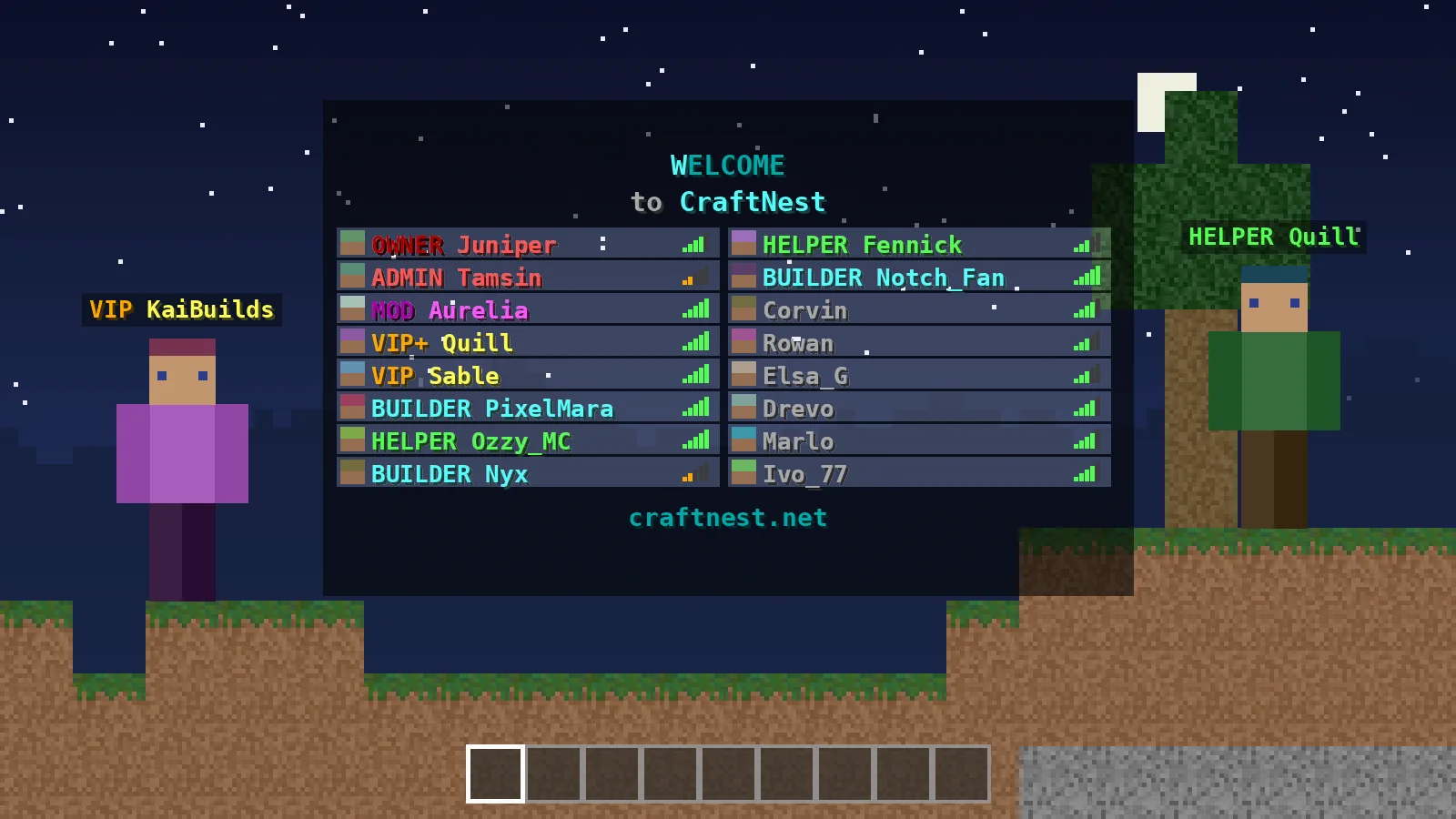
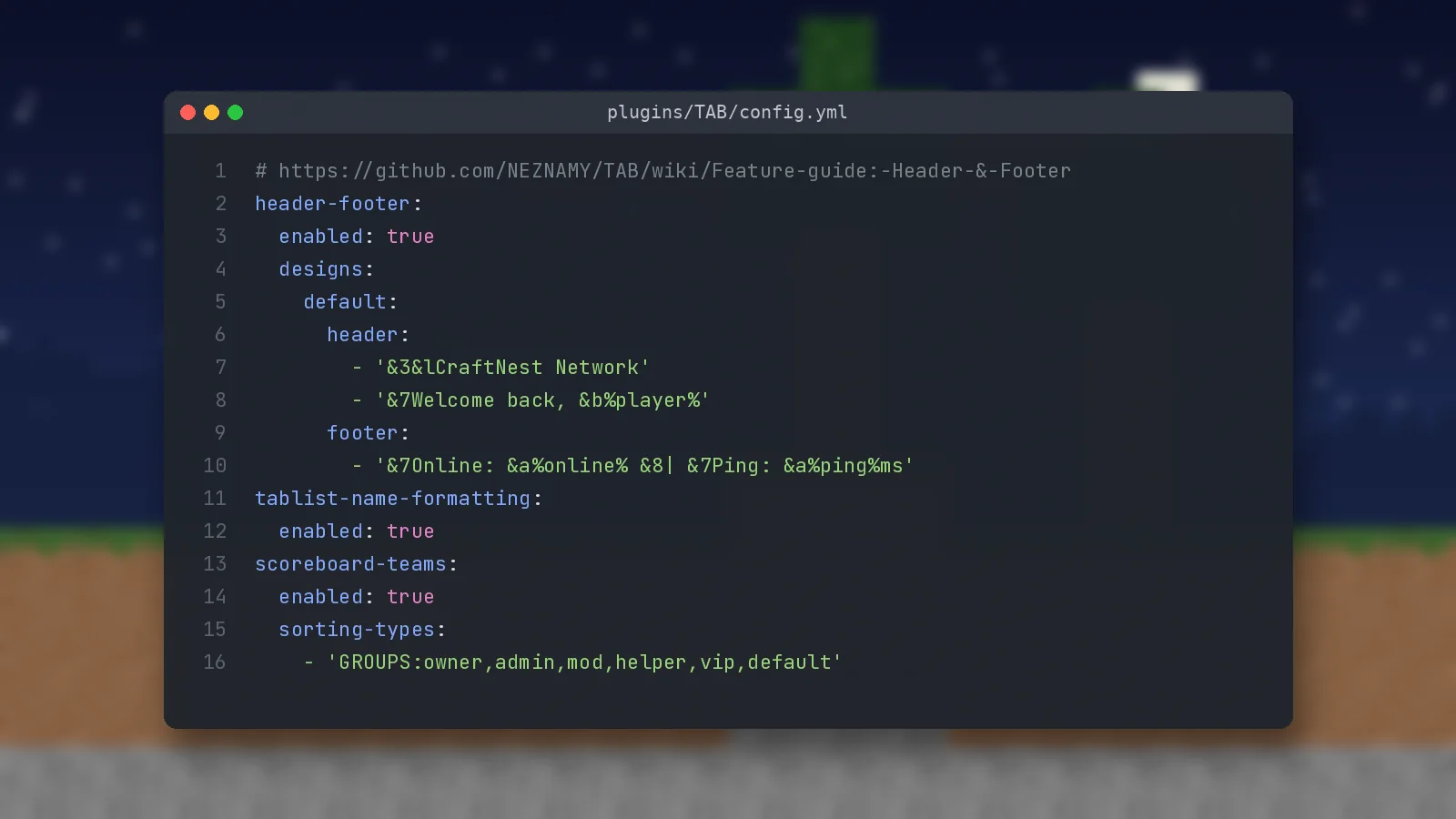
Recent versions use named designs. The default design applies to everyone, while extra designs can show different text based on a condition, for example a different header in your minigames world. Each design has a list of header lines and footer lines that accept colour codes, RGB hex colours and placeholders.
header-footer:
  enabled: true
  designs:
    default:
      header:
        - '&3&lCraftNest Network'
        - '&7Welcome back, &b%player%'
      footer:
        - '&7Online: &a%online% &8| &7Ping: &a%ping%ms'
tablist-name-formatting
This switch lets TAB apply the tabprefix, customtabname and tabsuffix values from groups.yml to each player's tablist entry. If another plugin also edits tablist names, disable it there and let TAB handle the job.
Nametags and sorting
scoreboard-teams
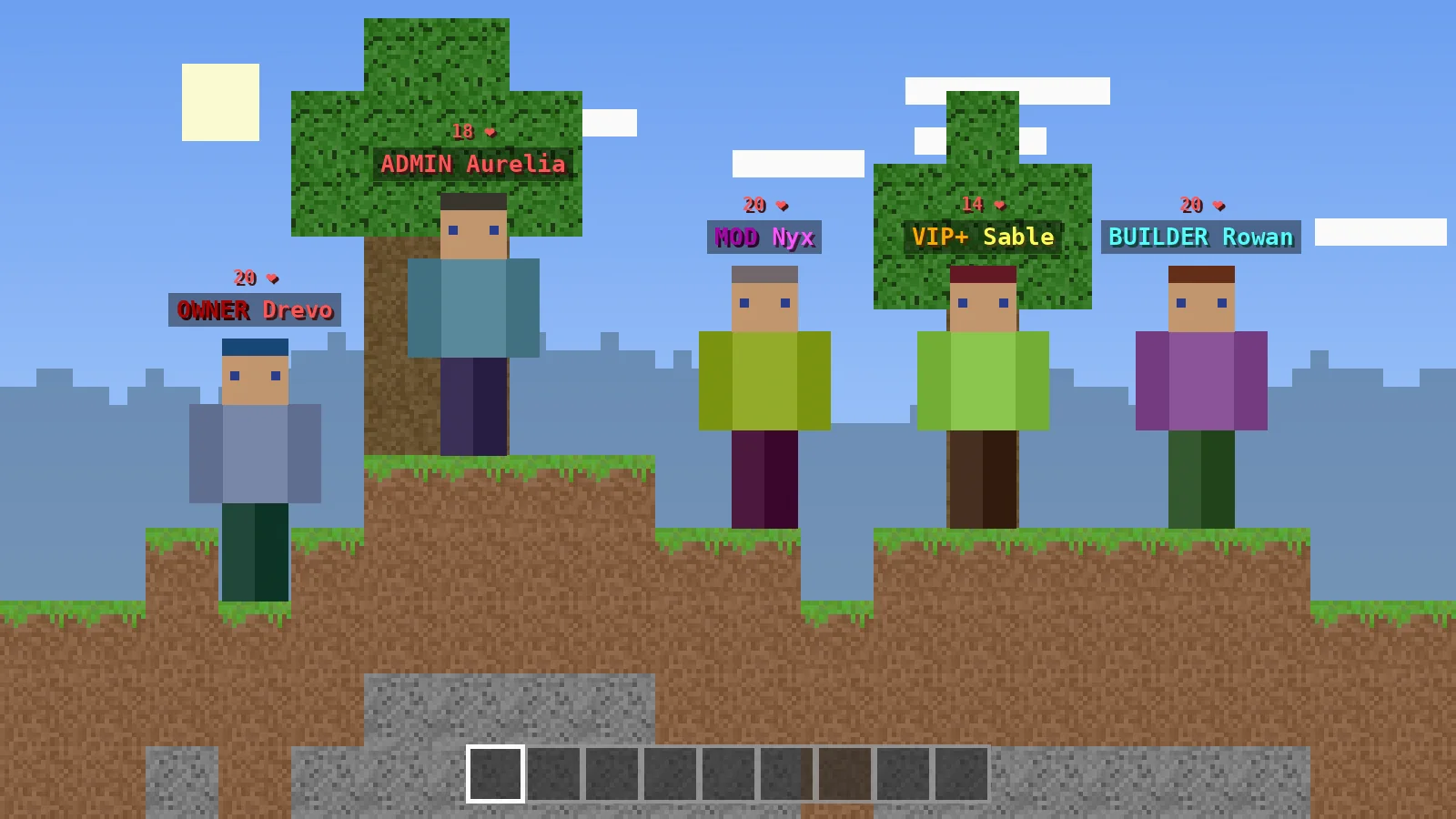
Nametags above players' heads and the tablist order both come from scoreboard teams. Here you can enable collision, hide nametags entirely with invisible-nametags, and choose how players are sorted.
sorting-types
Sorting runs top to bottom through the list. The default sorts by group first, then alphabetically by name. Make sure the group names match those in your permission plugin exactly, including capital letters if case-sensitive-sorting is on.
Objectives, scoreboard and bossbar
playerlist-objective and belowname-objective
The playerlist objective adds a value next to each name in the tablist, commonly ping. The belowname objective shows a line under the nametag, such as health. On 1.20.3 and newer clients, the fancy-value option lets you show formatted text instead of a plain number.
scoreboard and bossbar
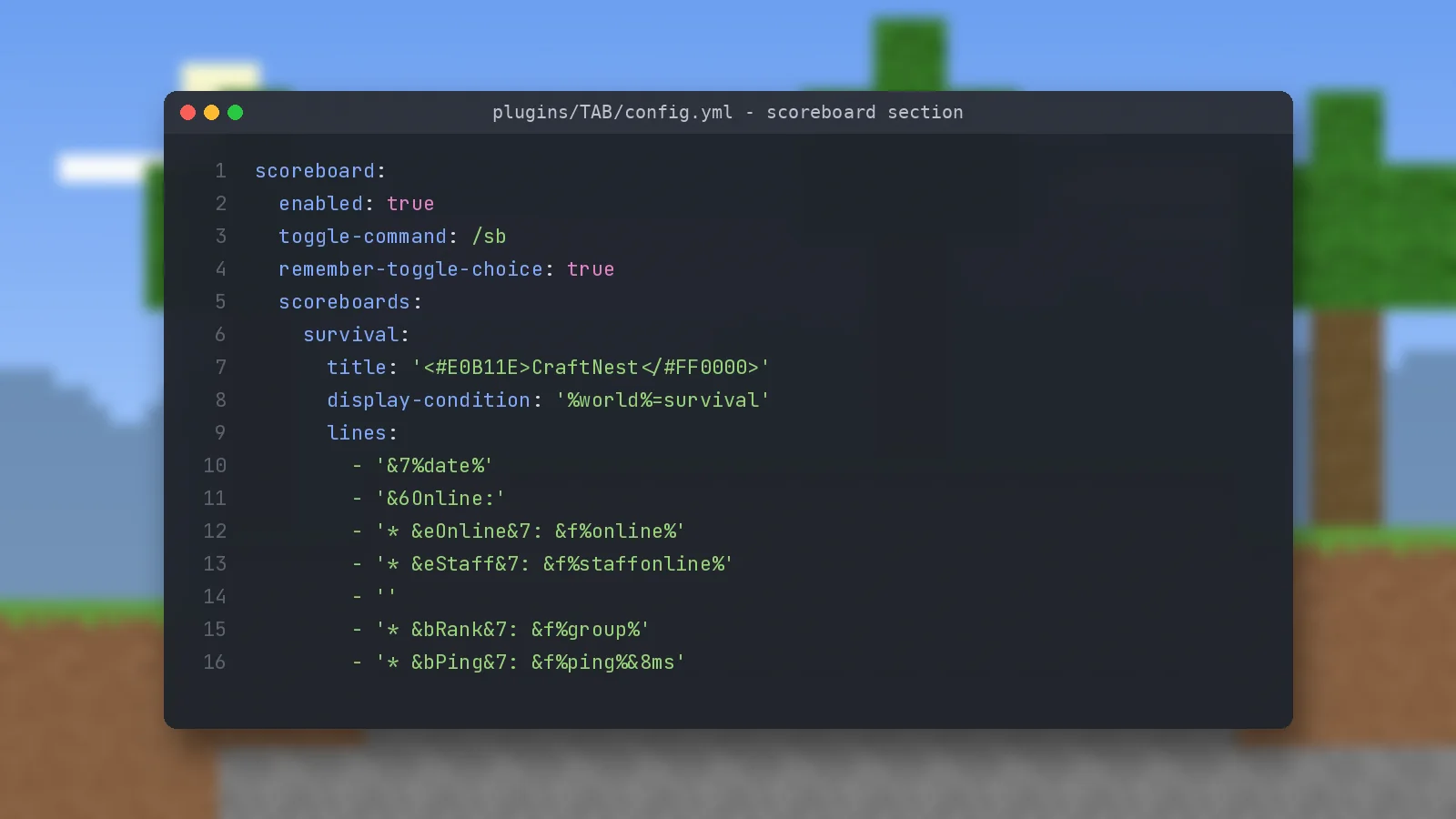
Both are off by default. Turn them on, set a toggle command such as /sb or /bossbar, and define one or more boards or bars. The scoreboard guide covers per-world boards and line formatting.
Advanced and network options
layout, global-playerlist and ping-spoof
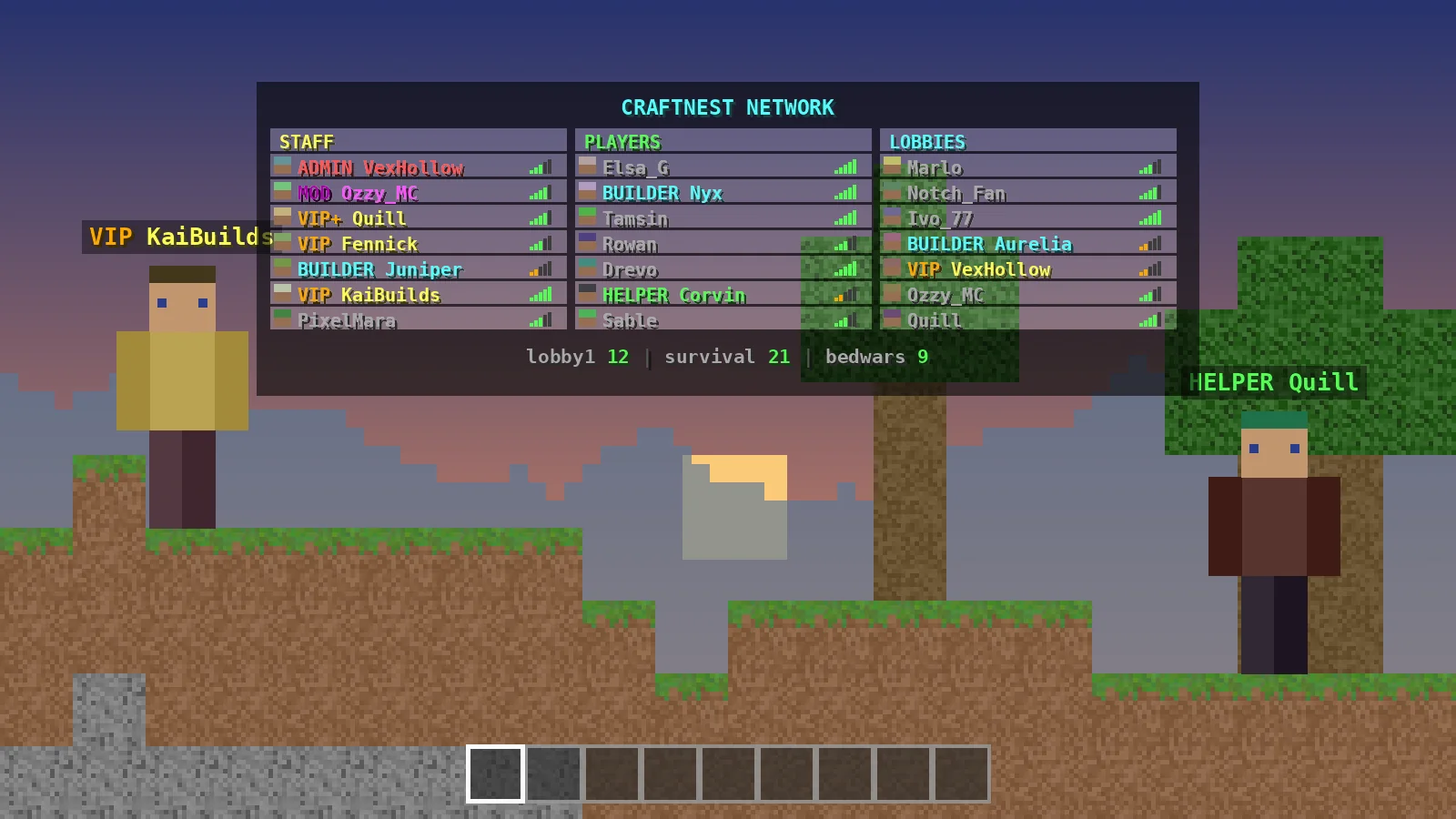
Layout fills the tablist with fixed slots, which is great for networks that want columns for staff, players and links. Global playerlist shows players from every server on a proxy. Ping-spoof replaces everyone's ping with a fixed value, which some servers use for a cleaner look.
Groups, permissions and MySQL
By default TAB takes each player's primary group from the permission plugin. Setting assign-groups-by-permissions to true uses permission nodes and the primary-group-finding-list instead. The mysql block lets several servers share group and user settings from one database.
Common questions
Will my edits survive updates?
Yes. When the config format changes, TAB converts your existing file automatically. Keep a backup before major version jumps anyway.
How do I apply changes?
Save the file and run /tab reload. If the console reports broken syntax, check indentation first; YAML needs spaces, not tabs. The troubleshooting guide lists the usual culprits.
Ready to try it?
Download TAB 6.2.0 from the official GitHub release. Free, 8.09 MB.

We run test servers on Paper, Folia and Velocity and update these guides whenever TAB changes. Spotted something out of date? Let us know.