On a network, the TAB plugin works best when it is installed once on the proxy. One set of config files then controls every server, the tablist can show everyone on the network, and the header stays put when players switch servers. Here is how to set it up on Velocity or BungeeCord, step by step.
Choosing where to install
Proxy installation (recommended)
Put the TAB jar in the proxy's plugins folder only. This gives you a single config, the global playerlist without Redis, and headers and bossbars that do not reset when players move between servers.
Why not install on every server too?
Running TAB on both the proxy and backends means two plugins fighting over the same tablist. The developer marks mixed installation as unsupported. The one exception is the per-world playerlist, which only exists on backend servers.
Setting up the proxy
Install the plugin and a permission plugin
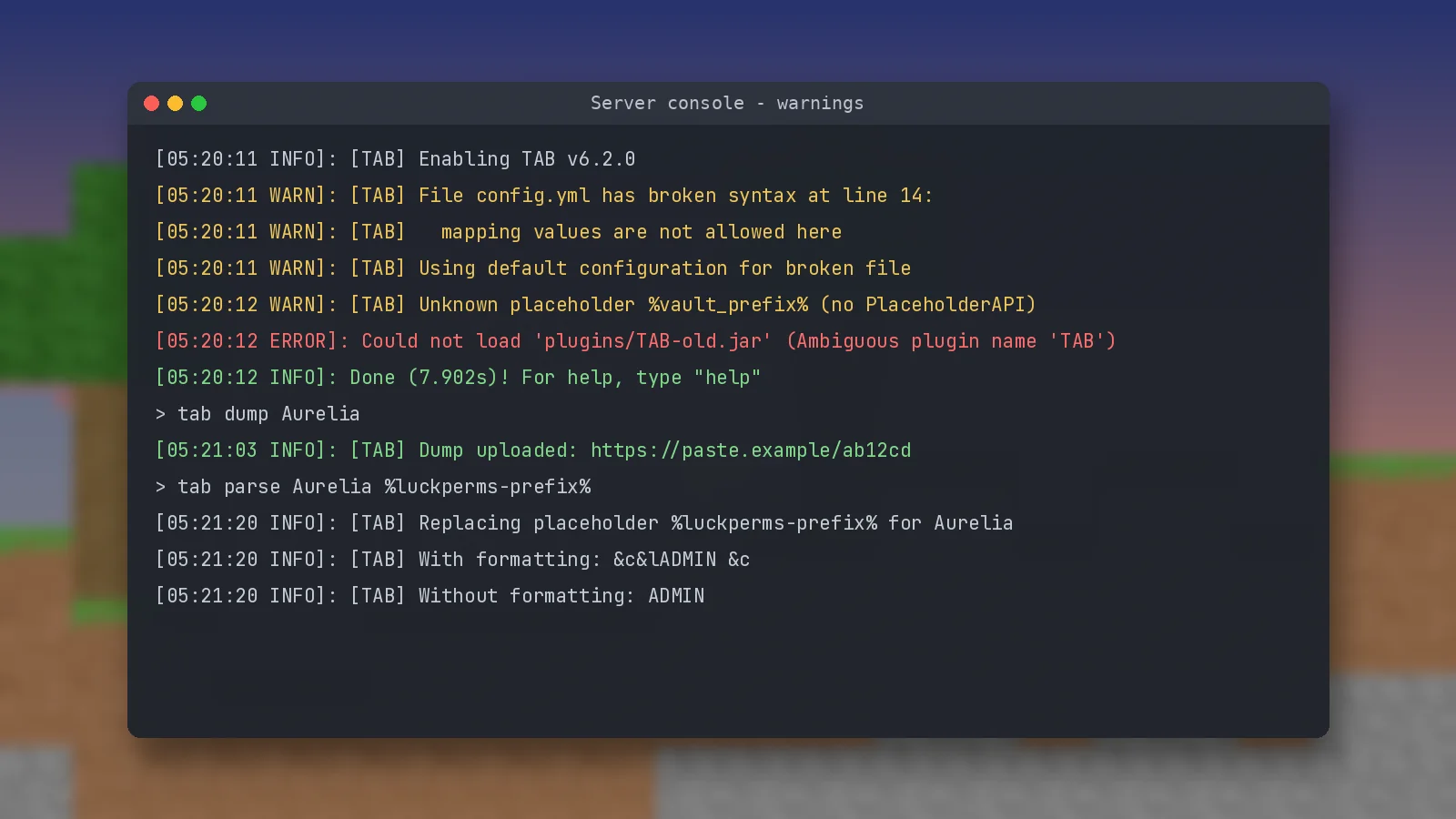
Upload the jar to the proxy, restart it and check the console for TAB loading. Permissions are checked on the proxy, so install LuckPerms there too, or set use-bukkit-permissions-manager: true to read groups from backend servers.
Velocity needs VelocityScoreboardAPI
For scoreboard-related features, including nametags, sorting and sidebar scoreboards, install the VelocityScoreboardAPI plugin on the Velocity proxy. BungeeCord does not need it.

Adding TAB-Bridge to backends
What the bridge does
TAB-Bridge is a small plugin for your backend servers. It lets the proxy use PlaceholderAPI placeholders, world names and other backend data that a proxy cannot see on its own. It does nothing by itself, so it never conflicts with the proxy install.
Using /btab instead of /tab
On BungeeCord the commands become /btab, for example /btab reload, so they do not clash with backend commands. Remember that OP on a backend server does not give you permissions on the proxy.
Global playerlist and server groups
Turning on the global list
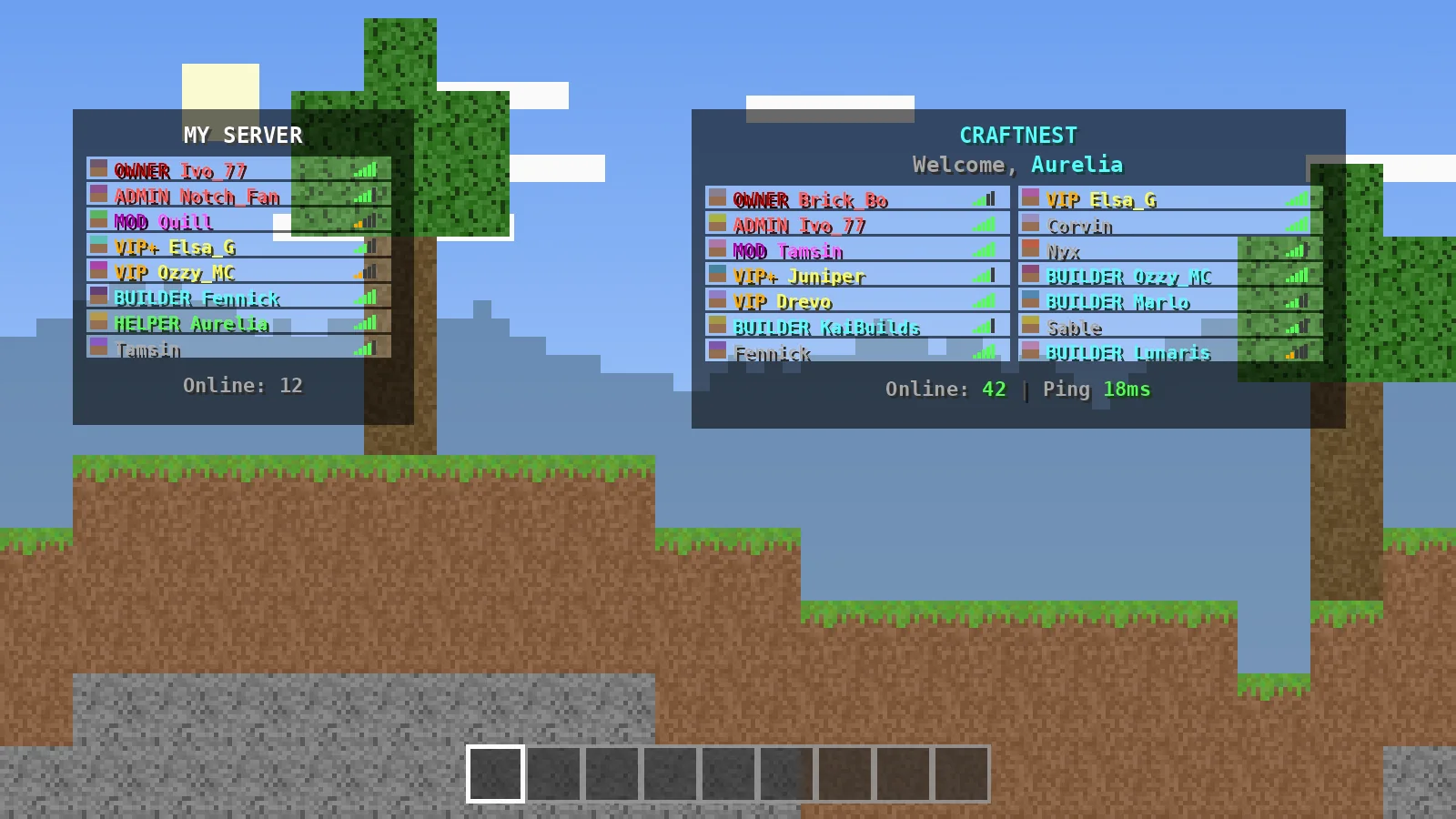
Set global-playerlist: enabled: true to show everyone on the network in each player's tablist. Players on other servers can appear as spectators if you enable display-others-as-spectators.
Grouping servers
server-groups let lobbies share one list while each game mode keeps its own. Add servers that should stay hidden to spy-servers so staff there can see everyone without being listed.
Network tips
Use layout for structure
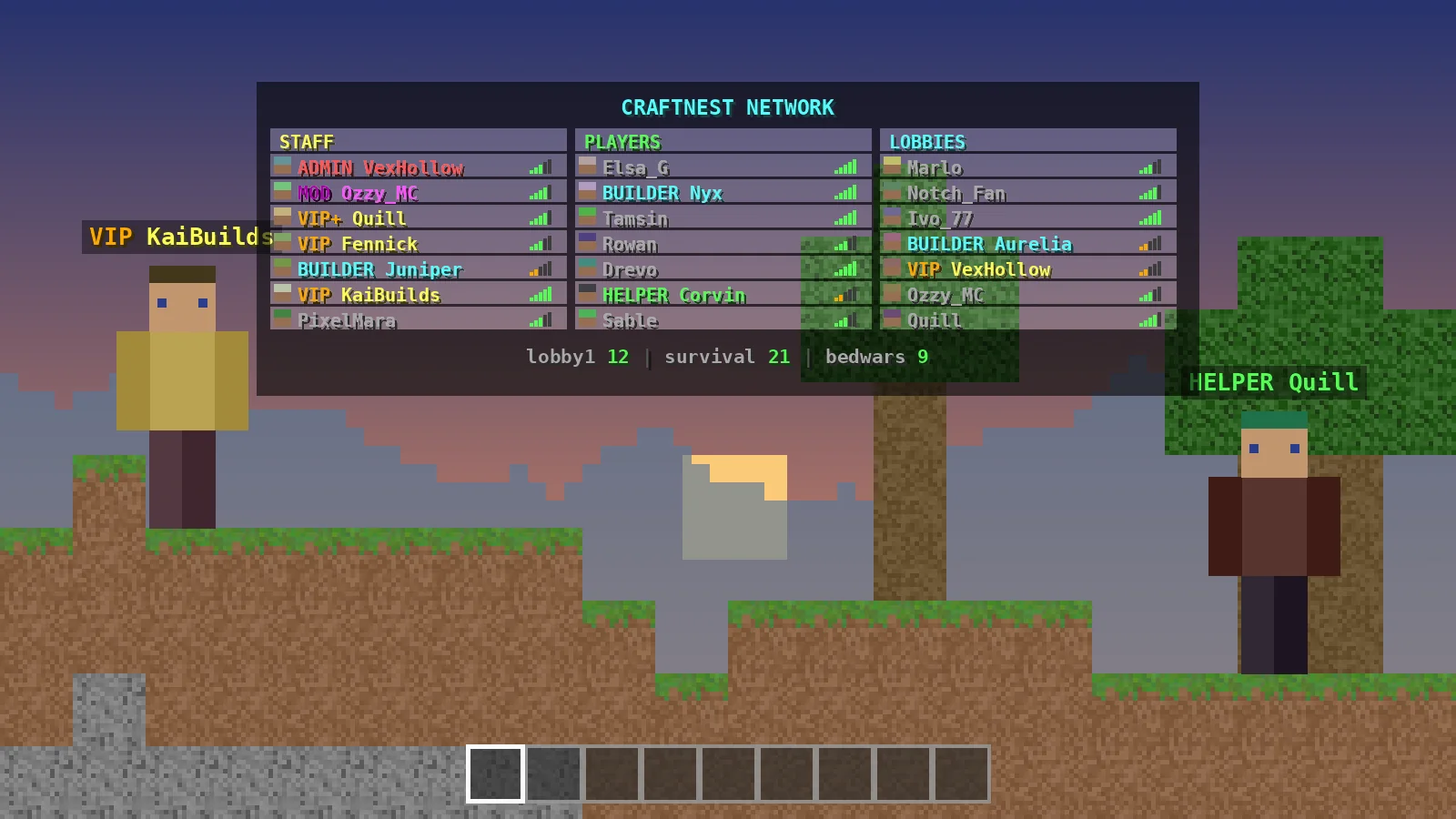
The layout feature creates fixed slots and columns, which suits networks that want a staff column, a players column and server links. See the config guide for the options.
Keep data in sync
With proxy installation, all configs already live in one place. MySQL is only needed if you run TAB on several backend servers instead. For general setup, start with the installation guide.
Ready to try it?
Download TAB 6.2.0 from the official GitHub release. Free, 8.09 MB.

We run test servers on Paper, Folia and Velocity and update these guides whenever TAB changes. Spotted something out of date? Let us know.