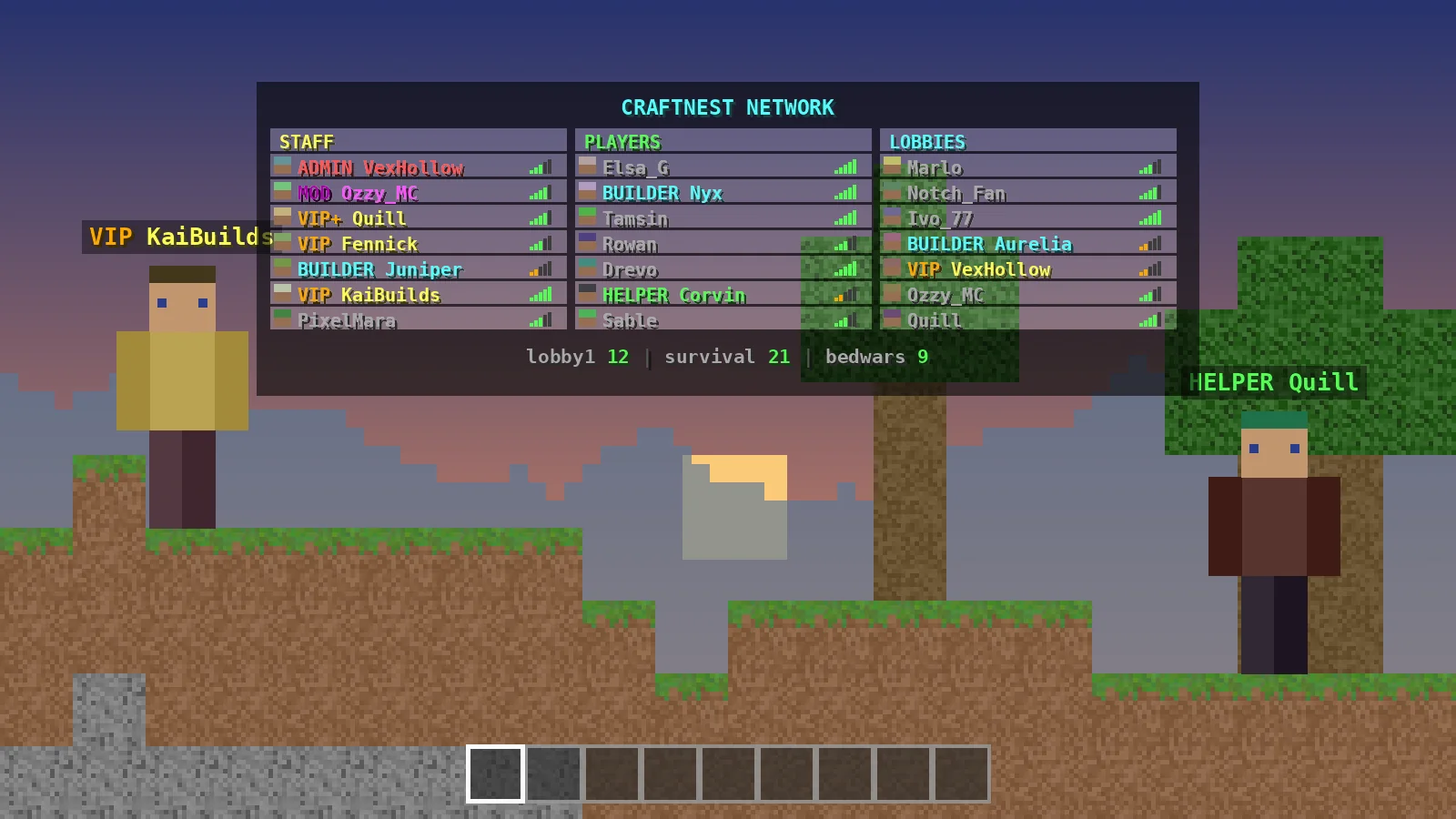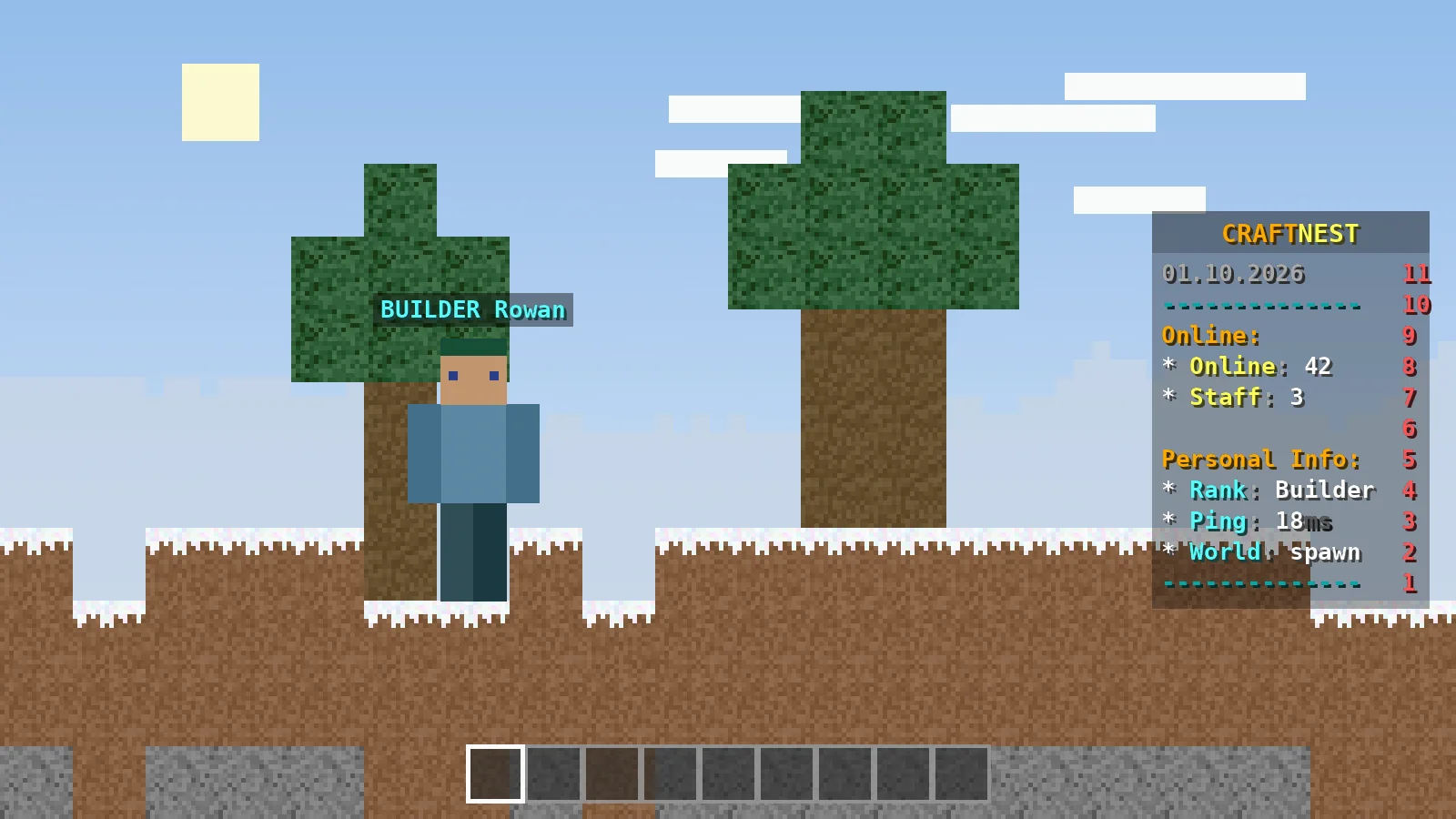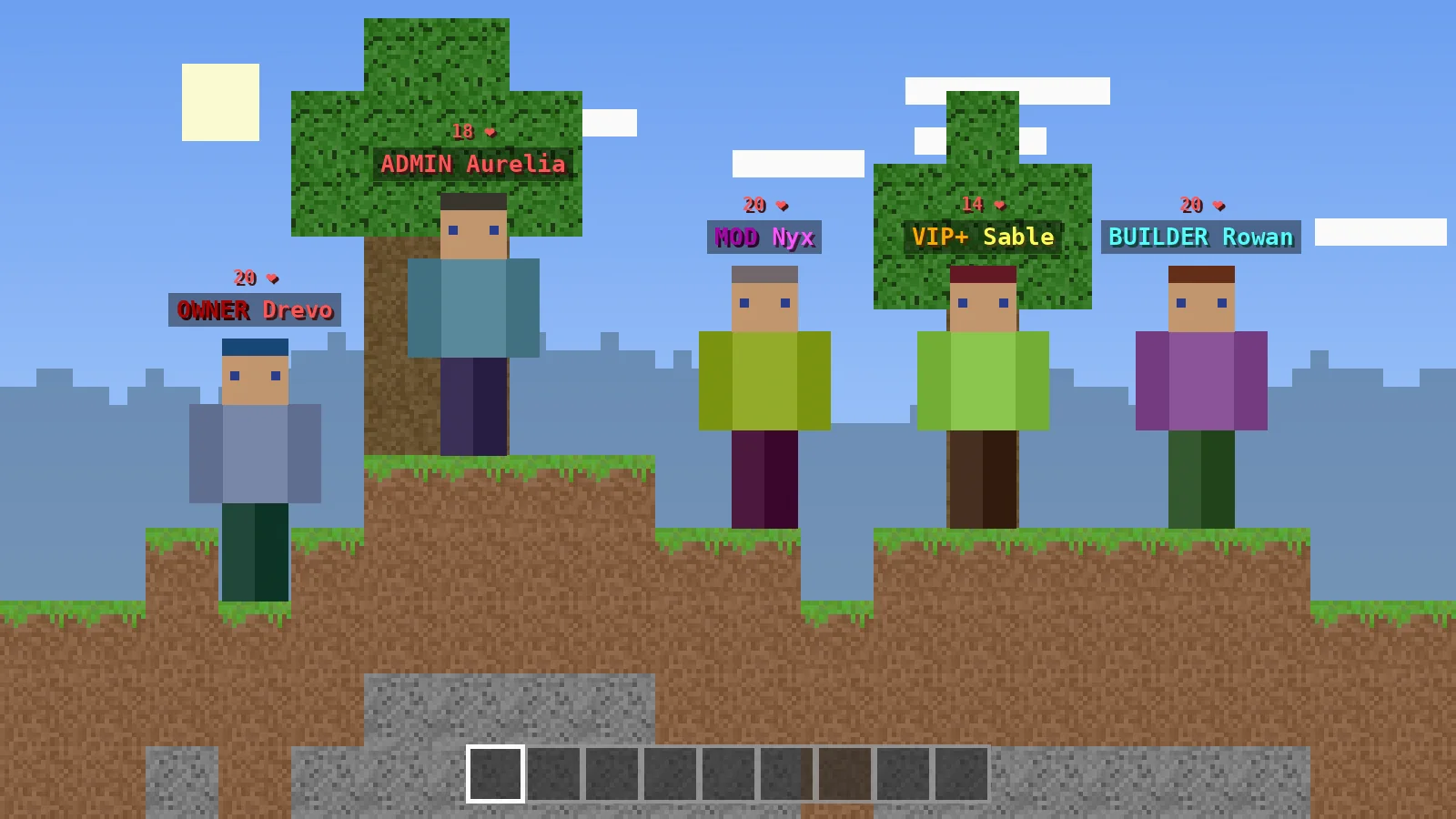
Rank prefixes tell players at a glance who is staff and who has a supporter rank. The TAB plugin can show them in the tablist and above heads, using either the prefixes stored in LuckPerms or styles you write per group in groups.yml. This guide covers both approaches, rank sorting and the fixes for missing prefixes.
How TAB finds a player's group
Primary group from LuckPerms
By default, TAB asks your permission plugin for each player's primary group, refreshing every second. That group name is then matched against entries in groups.yml. If no entry matches, the _DEFAULT_ section applies.
Group by permission node
If you prefer, set assign-groups-by-permissions: true and give players nodes like tab.group.admin. TAB then picks the highest group from primary-group-finding-list.
Option one: use LuckPerms prefixes
The default placeholders
The stock groups.yml already sets tabprefix and tagprefix to %luckperms-prefix%. Set a prefix in LuckPerms, for example /lp group admin meta setprefix 100 "&c&lADMIN &c", and it appears in TAB after the next refresh.
When this approach fits
It is ideal when chat, tablist and nametags should all match, because you only manage prefixes in one place.
Option two: style ranks in groups.yml
Per-group entries
Write formatting directly for each group when you want the tablist to look different from chat:
owner:
  tabprefix: '&4&lOWNER &c'
  tagprefix: '&4&lOWNER &c'
admin:
  tabprefix: '&c&lADMIN &c'
  tagprefix: '&c&lADMIN &c'
vip:
  tabprefix: '&6VIP &e'
  tagprefix: '&6VIP &e'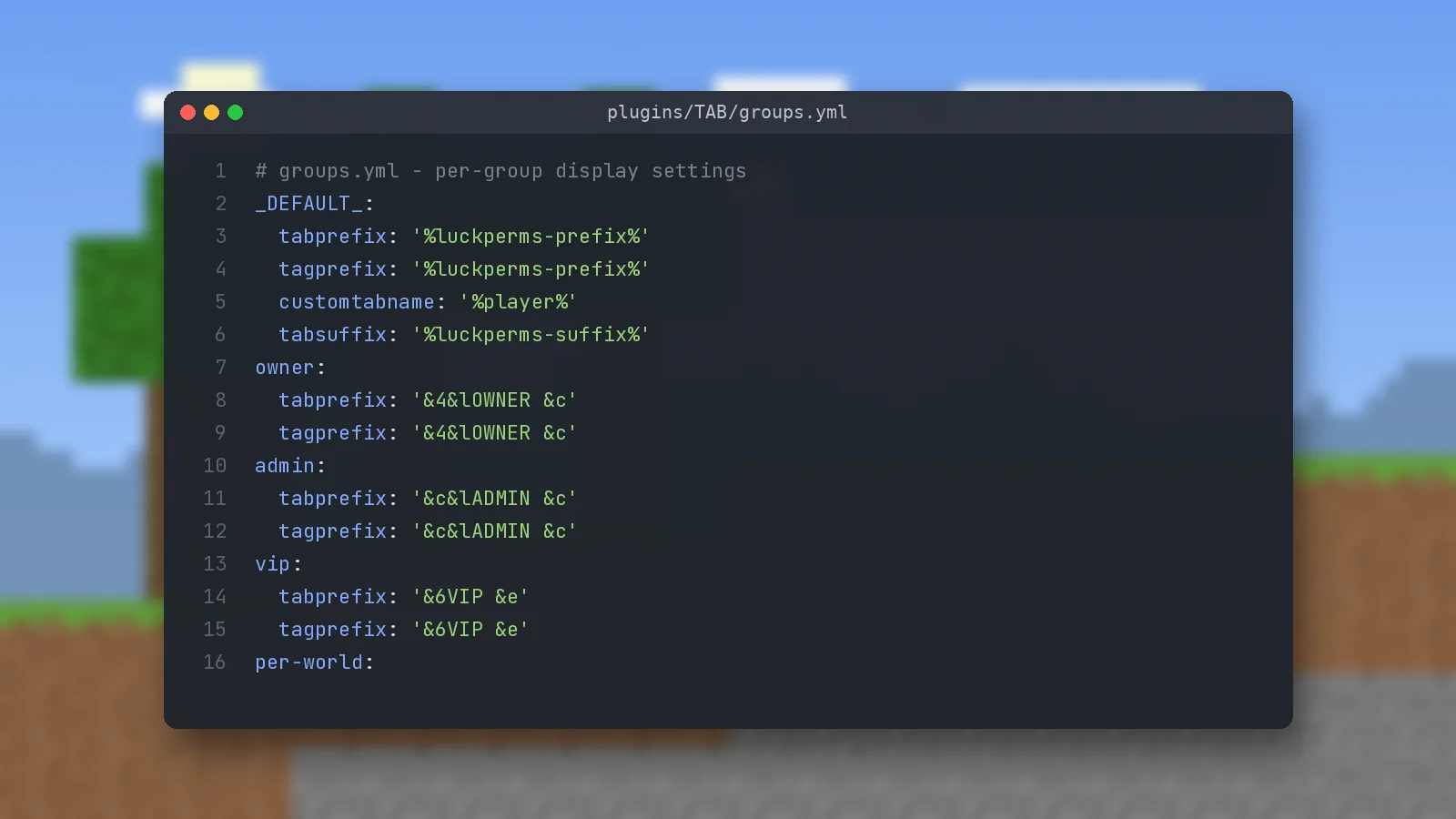
In-game commands
You can also set values without editing files, for example /tab group vip tabprefix "&6VIP &e". Add -w world or -s server to limit a value to one world or server.
Sorting ranks in the tablist
The GROUPS sorting type
In config.yml, list your groups in order under sorting-types, such as GROUPS:owner,admin,mod,helper,vip,default. Players are then ordered by rank before anything else.
Matching names exactly
Sorting fails quietly when names differ. If LuckPerms calls the group Admin and your list says admin with case-sensitive sorting on, they will not match.
Fixing missing prefixes
Check what TAB actually sees
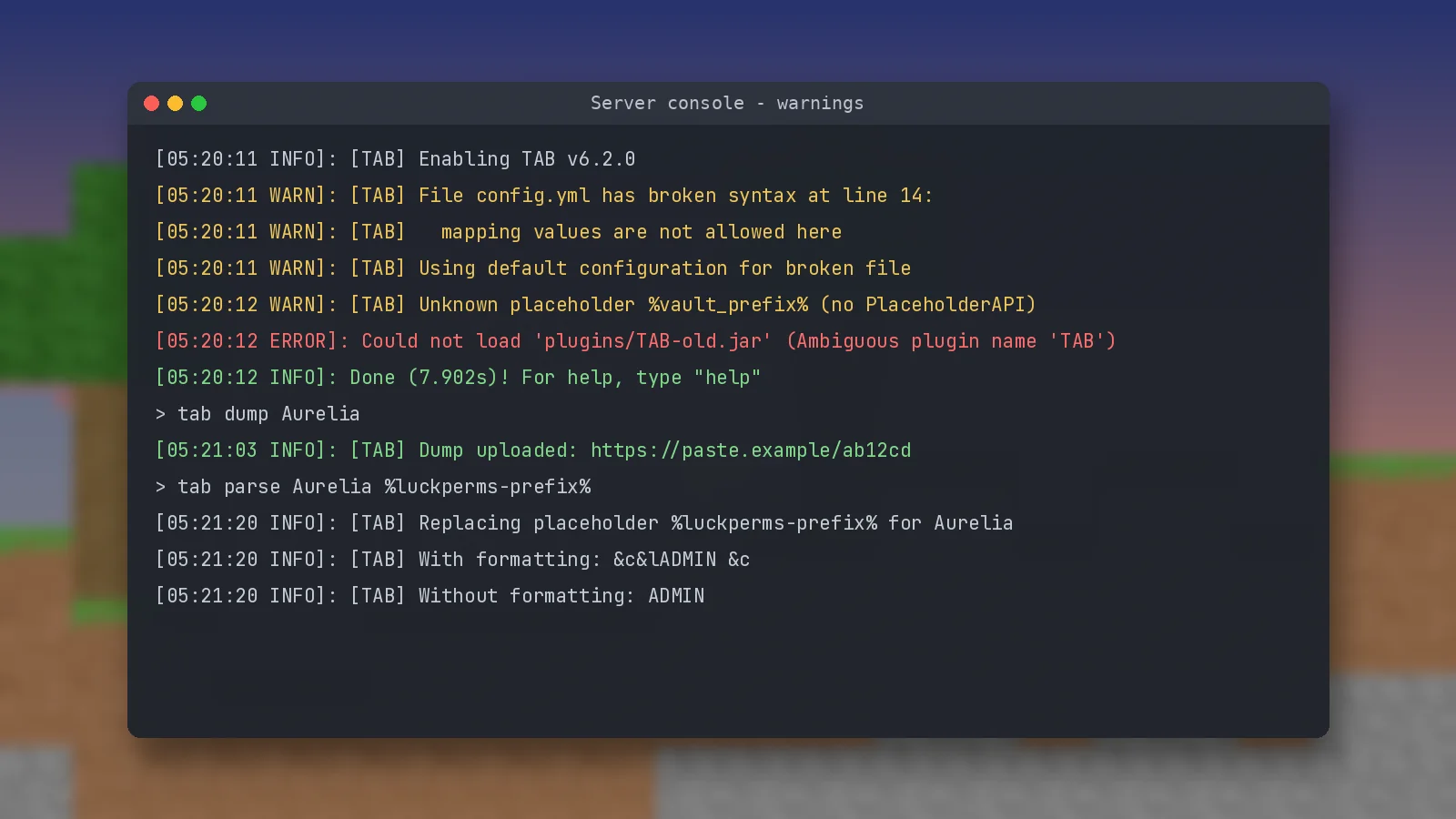
Run /tab parse <player> %luckperms-prefix%. If the output is empty, the issue is in LuckPerms, not TAB. /tab dump <player> creates a detailed report of the player's group and applied properties.
Nametag length and other plugins
Another plugin that edits scoreboard teams, such as an older nametag plugin, can overwrite TAB's nametags. Remove the conflicting feature or plugin. More fixes are in the troubleshooting guide.
Ready to try it?
Download TAB 6.2.0 from the official GitHub release. Free, 8.09 MB.

We run test servers on Paper, Folia and Velocity and update these guides whenever TAB changes. Spotted something out of date? Let us know.